
Most internal link audits stop at the plumbing. Find the broken links, fix the redirects, spot the orphan pages. That is the baseline, and it matters.
But it is also where most audits end. The harder question is not "do the links work?" It is: "do the links transmit anything useful?"
This article covers both. First, the technical checks that keep your linking structure functional. Then, the signal checks that most audits miss entirely.
The technical audit: does the plumbing work?
These are the checks every audit should start with. They catch the issues that prevent links from functioning at all.
Broken links (404s). A link pointing to a page that no longer exists passes no authority and creates a dead end for both users and crawlers. Run a crawl (Screaming Frog, Sitebulb, or equivalent), filter by HTTP status code 4xx, and fix or remove each one.
Links pointing to redirects. An internal link targets a URL that 301-redirects to another page. The link still works for the user, but each hop wastes crawl budget and dilutes the signal. Update the link to point directly to the final URL.
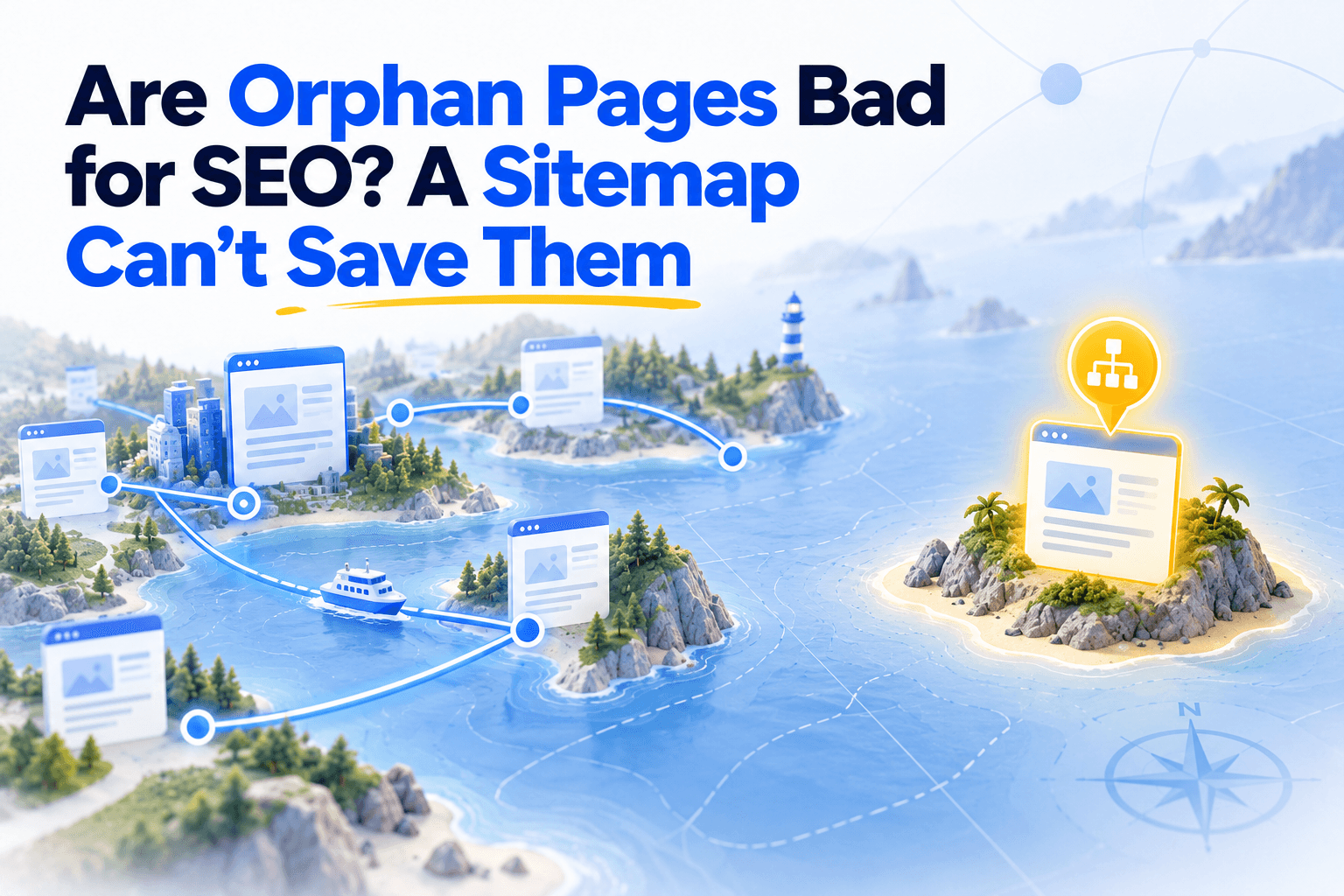
Orphan pages. Pages that exist on your server but receive zero internal links. Search engines can still find them through your sitemap, but they receive significantly less crawl priority. Botify's research found that orphan pages consume 26% of crawl budget on average, with extreme cases reaching 70%. Unveil SEO's Inbound suggestions detect these automatically and recommend which existing pages should link to them.
Nofollow on internal links. The rel="nofollow" attribute tells Google not to pass authority through a link. On internal links, this is almost always unintentional: a CMS default, a template error, or a plugin side effect. Check your crawl for internal links carrying nofollow and remove the attribute.
Pages buried too deep. If a page requires more than three clicks from the homepage, Google treats it as lower priority. John Mueller confirmed it: "A flatter site structure is easier for us to crawl." Check the crawl depth report in your crawler and flag anything above 3.
These five checks are table stakes. If your audit stops here, you know your links function. You do not know if they accomplish anything.
The signal audit: do your links actually transmit something?
This is where most audits end and where the real leverage begins. A link can be technically perfect (no 404, no redirect, correct HTML) and still carry zero useful signal. The difference is in what the link says, where it points, and how authority flows through it.
Anchor quality
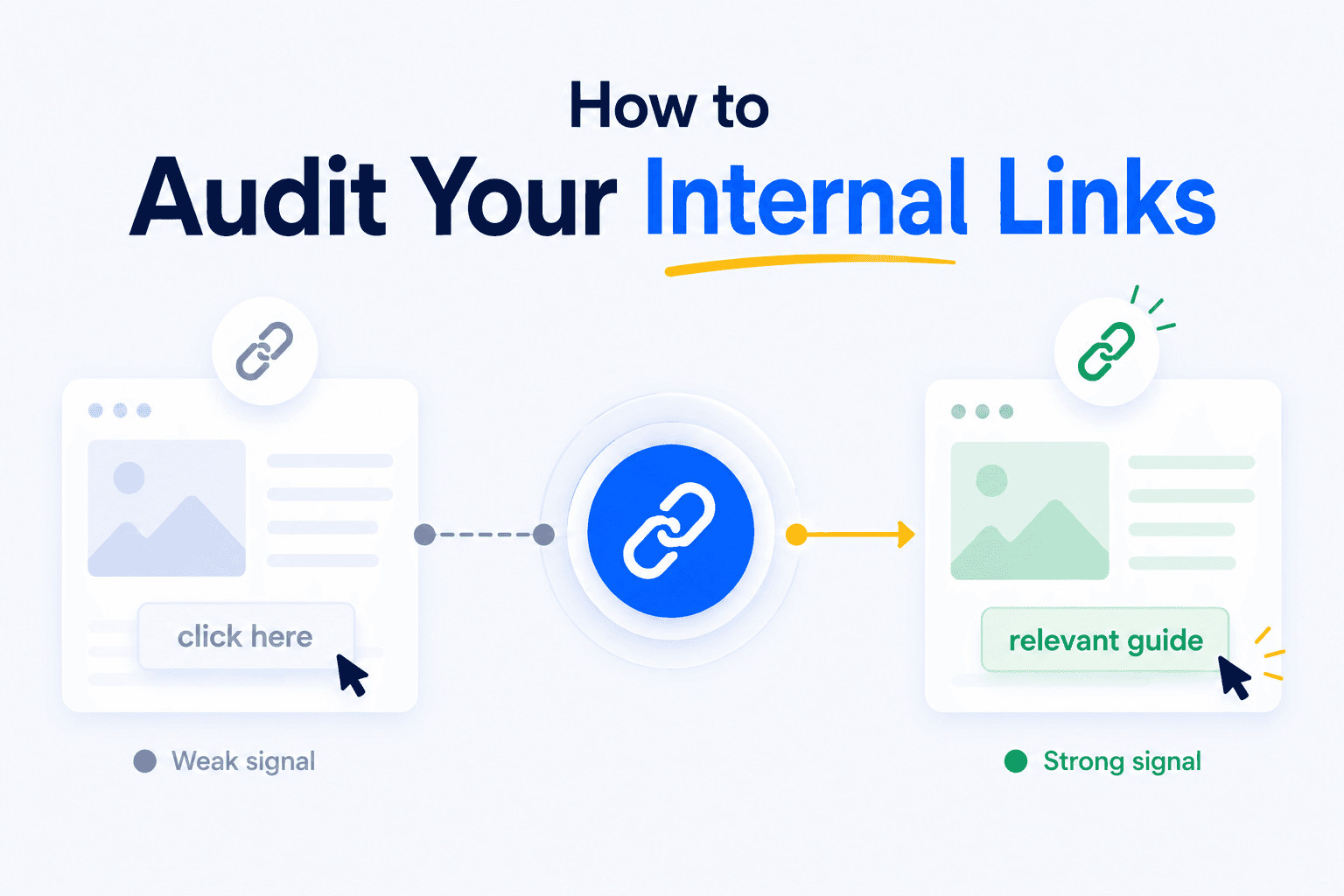
A page can receive thousands of links and still score poorly if those links say nothing. Four dimensions to check:
| Dimension | What to look for | Red flag |
|---|---|---|
| Generic ratio | Share of anchors that are "click here", "read more", "en savoir plus" | > 30% generic |
| Diversity | Number of unique anchor texts pointing to each important page | < 3 unique anchors |
| Topical relevance | Does the anchor contain words related to the target page's topic? | Zero overlap with target |
| Length | Number of words in the anchor | Mostly 1-word or empty anchors |
Unveil SEO's Anchor Audit scores each page out of 100 across these four dimensions and shows exactly where the signal is weak: diversity, generic ratio, topical relevance, and anchor length. That tells you what to fix and in what order.
This matters because Google does not just read the anchor: it reads a window of surrounding text to determine what signal a link carries. An empty anchor in a generic sentence transmits close to nothing, regardless of how many links point to the page.
High-potential pages that are underlinked
This is the highest-ROI check in the entire audit, and almost nobody does it systematically.
The method:
- Pull your GSC Performance data (impressions, average position)
- Cross it with your crawl data (number of inbound internal links per page)
- Filter for pages with high impressions, position 8-15, and few internal links
These pages already rank. They are on the edge of page one. A few well-placed internal links can push them over. This is where your audit generates the most immediate value.
Dead-end pages
A page that receives links but emits zero contextual outbound links. Authority flows in and stops. These are the inverse of orphan pages: they are not invisible, they are selfish.
Detect them by filtering your crawl for pages with 0 contextual outbound links (excluding navigation). Unveil SEO's Outbound suggestions flag these automatically and recommend where each dead-end should link to.
Run the same count on the way in, contextual links only, and every page gets two numbers. On 1,804 blog articles, articles missing a contextual link in either direction were less visible on Google than those linked both ways, and those missing both did worst. Start with pages at zero in both columns, then pages that receive no contextual link, then pages that give none.
High-authority pages that don't redistribute
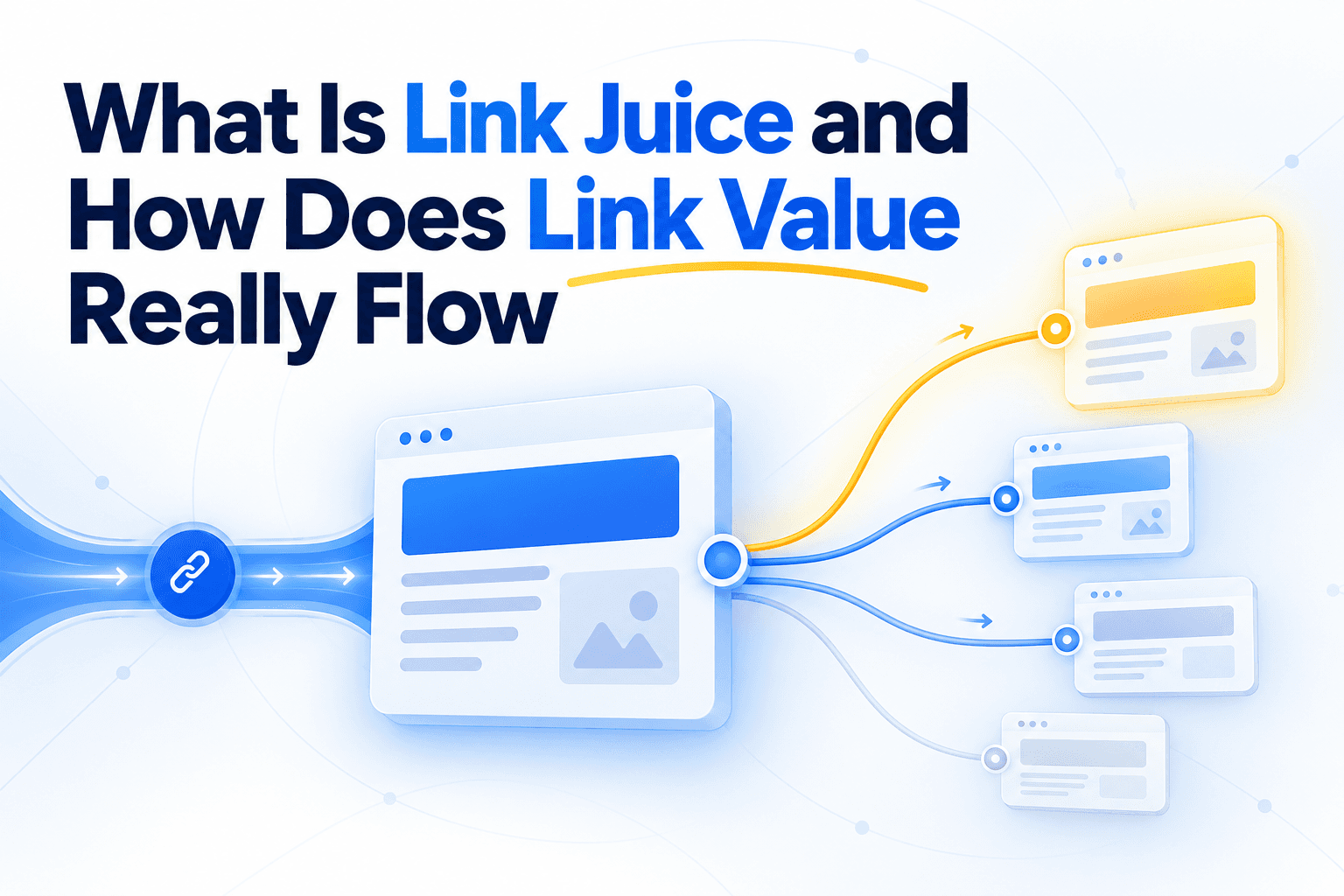
A page receives strong external backlinks but has zero internal outbound links. The authority enters your site and pools on one page instead of flowing through the structure.
Cross your backlink data (Ahrefs, GSC) with your crawl's outbound link count. Any page with high external authority and no internal outbound links is a bottleneck.
Anchor text cannibalization
The same exact anchor text points to two different pages. Google receives conflicting signals about which page is the right target for that term.
Detect by exporting all internal links and sorting by anchor text: any anchor that appears with two or more distinct destination URLs needs to be resolved.
The audit sequence
Here is the order. Technical checks first, then signal checks.
- Crawl your site with GSC and GA4 integrations enabled
- Fix the plumbing: broken links, redirects, nofollow, buried pages
- Detect orphans: compare crawled URLs vs. sitemap and GSC
- Audit anchors: run an anchor quality check (Unveil SEO Anchor Audit) or export and classify anchors from your crawler
- Find signal gaps: underlinked high-potential pages, dead-ends, authority pools, cannibalization
- Prioritize by impact: pages with high impressions + low links first, then anchor fixes, then structural leaks
How often:
- Every publication: is the new content linked from existing pages?
- Monthly: check for new 404s, redirect chains, and recently published pages that were never integrated
- Quarterly: full structural audit (coverage, anchors, signal), including whether your semantic cluster architecture still holds as content grows