
Most websites have hundreds of internal links. Very few have good ones.
You know the basics: link your pages together, use decent anchor text, don't orphan important content. Most sites check those boxes. And most sites still send almost no useful signal through their links.
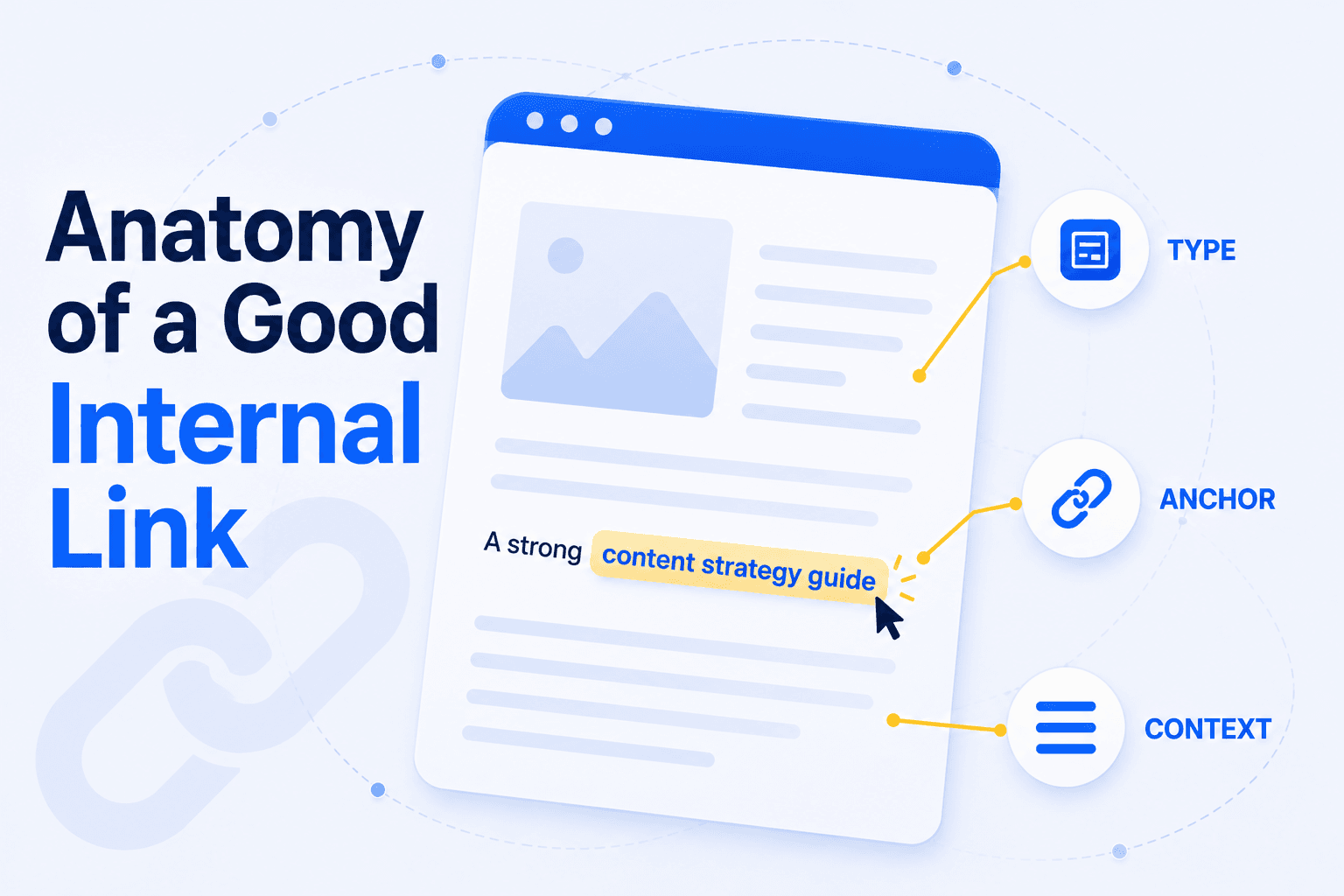
The reason is that a link is not a single thing. It is three signals stacked on top of each other:
- Where the link sits on the page (a footer link and an in-text link do not carry the same weight)
- What the link says (the anchor text is how Google learns what the target page is about)
- What surrounds the link (the sentence around the anchor enriches the signal in ways most SEOs overlook)
Most advice covers the first two. Almost nobody talks about the third. This article covers all three, with the mechanisms and the data behind each.
Not all internal links carry the same weight
A link in your footer and a link in a paragraph do not transmit the same signal. Google assigns more weight to links that are more likely to be clicked, based on where they appear, how they look, and what they say.
This is not a guess. It is how Google has described its own system.
The original PageRank model treated every link on a page equally. A link in your navigation bar and a link in the middle of an article both passed the same amount of authority. That model was replaced.
The mechanism behind the difference
Google's Reasonable Surfer patent introduced a different approach: links are weighted by the probability that a real user would click them.
The patent lists several factors that increase or decrease that probability. In practice, they boil down to a clear hierarchy between link types:
| Contextual link (in body text) | Navigation link (header menu) | Footer link | |
|---|---|---|---|
| Click probability | High (reader engaged with content) | Medium (used for orientation) | Low (rarely clicked) |
| Anchor text | Unique, descriptive per page | Same label on every page | Generic ("Privacy", "Sitemap") |
| Surrounding context | Rich (part of an argument) | None (standalone menu item) | None |
| Relevance to page topic | Directly related | Structural, not topical | Structural, not topical |
| Estimated weight | Highest | Moderate | Lowest |
As Bill Slawski's analysis of the patent summarized it: the value a link passes to a target page is largely based on the probability that a user would click on it.
The data confirms the mechanism
Two studies, two angles, same conclusion.
Zyppy analyzed 23 million internal links across 1,800 sites:
- Pages with 40 to 44 internal links → roughly 4x more organic clicks than pages with 0 to 4 links
- Beyond ~50 links → traffic declined (most additional links are navigational, which dilute the signal)
SEOTesting ran 15 controlled tests on their own site, adding only contextual links in body content:
- Average: +173.5% clicks, +264.5% impressions
- 80% of tests produced positive results
The takeaway: if a page that matters to your business only receives links from your navigation menu, it is underlinked. The links exist, but they carry minimal weight.
Our own crawl shows how thin that contextual layer usually is. Across six software blogs, the 1,804 articles we studied received 60,926 internal links, yet only about one in ten had been placed by someone in the content. Everything else came from the site's template.
Your anchor text is how Google learns what the target page is about
The clickable text of a link is not decoration. It is the primary signal Google uses to understand what the linked page covers.
John Mueller confirmed it directly: anchor text should describe the target page, not the action of clicking.
What the data says about anchors
Zyppy's study surfaced a finding that surprised even its author: anchor text variety correlated with traffic more strongly than the raw number of links.
- Pages with exact-match anchors → 5x more traffic than pages without
- But repeating the same exact-match phrase everywhere is not the play
- The strongest signal comes from varied, descriptive anchors across multiple source pages
Concrete example: ten pages link to your "content marketing strategy" guide. If all ten use the identical anchor, Google sees one signal repeated. If each uses a different but relevant variation ("content marketing planning", "building a content strategy", "how to structure your content efforts"), Google builds a richer semantic profile of what the target page covers.
The simplest test that proves it
The most striking evidence is also the simplest.
Edge of the Web ran a single change on a client's blog (Leamington Blinds): on the main blog index page, articles were listed with "Continue Reading" buttons. The article titles themselves were not linked. Edge of the Web linked the titles instead.
One change. No new content. No new links. No structural modification. Just replacing a generic anchor ("Continue Reading") with a descriptive one (the article's actual title).
The results:
- +88% users across the blog section
- +572% page views on one key article
- Less than one hour of work
This case study is as close to an isolated anchor text test as exists in published SEO research. The only variable that changed was what the link said.
What "bad" anchor text looks like in practice
These anchors tell Google nothing about the target page:
- ❌ "Click here"
- ❌ "Read more"
- ❌ "Learn more"
- ❌ "See our guide"
- ❌ "Continue reading"
These anchors tell Google exactly what the target page covers:
- ✓ "flat site architecture"
- ✓ "how crawl budget works for large sites"
- ✓ "contextual internal linking strategy"
- ✓ "anchor text best practices for e-commerce"
The words around the link are a signal too
Google does not just read the anchor text. It captures the sentence around the link and uses it as a complementary signal. This is why where you place a link in your text changes what it transmits.
How it works
A Google patent (analyzed by Bill Slawski and SearchEngineJournal) describes a system that reads a window of roughly five words before and after each link. This "annotation text" works as a virtual extension of the anchor.
The logic:
- Google picks the most semantically significant words in that window
- It associates those words with the link, enriching the signal beyond the anchor alone
- A short anchor like "enterprise pricing" carries a rich signal if the surrounding sentence adds relevant context ("scales differently once a team exceeds 50 seats")
This is the mechanism behind a distinction that most SEO advice treats as a style choice: woven links vs. bolted links.
Woven vs. bolted: what Google actually sees
❌ Bolted on:
"We have a guide on crawl budget. Read it here to learn more."
| Signal | |
|---|---|
| Anchor text | "Read it here" → tells Google nothing |
| 5 words before | "guide on crawl budget" → vaguely useful |
| 5 words after | "to learn more" → generic |
✓ Woven in:
"Once a site exceeds 10,000 indexed pages, crawl budget becomes the constraint that determines which pages Google visits."
| Signal | |
|---|---|
| Anchor text | "crawl budget" → names the topic |
| 5 words before | "exceeds 10,000 indexed pages" → specific, relevant |
| 5 words after | "becomes the constraint that determines" → adds meaning |
Same destination. But the woven version sends signal through three channels at once: the anchor, the context, and the relevance between source and target pages.
Most "contextual" links are not truly contextual
An analysis of 2.5 million in-body links across 1,700 websites found that nearly half showed minimal semantic overlap between anchor and target page. They sit in the right place (body content) but carry the wrong signal (generic anchor, poor surrounding context).
Position is layer one. Anchor is layer two. Context is layer three. Most sites stop at one.
How to build links that actually work
The three layers (position, anchor, context) are not a framework to admire. They are a checklist to apply. Here is the sequence, ordered by impact.
1. Audit your existing anchors
Before adding new links, check what your current anchors say. Most sites discover that a significant share of their internal links use generic text ("read more", "click here", "learn more") or navigation-style anchors that repeat the same phrase across every page.
Tools like Screaming Frog's inlinks report or Unveil SEO's anchor audit let you see, for each page, the full list of anchors pointing to it. If a page's incoming anchors are mostly generic or identical, that page is receiving links but almost no signal.
Look for:
- Pages where every incoming anchor is the same phrase
- Anchors that describe an action ("see our guide") instead of the target topic ("crawl budget optimization")
- High-priority pages that receive zero contextual links (only navigation)
2. Rewrite anchors to describe the target page
Replace generic anchors with text that describes what the linked page actually covers. The test: if someone reads only the anchor text, can they predict what the target page is about?
- ❌ "For more details, see our pricing page."
- ✓ "Enterprise pricing scales differently once a team exceeds 50 seats."
Remember the Edge of the Web case: replacing "Continue Reading" with article titles, with no other change, produced an 88% increase in users. The anchor is the signal. Make it count.
3. Weave links into the argument
Place your links where the anchor is part of the sentence's meaning, not where it interrupts or follows the argument. The surrounding text enriches the signal through Google's annotation text mechanism.
Practical rule: if removing the link would leave a sentence that feels incomplete ("For more details, "), the link is bolted on. If removing the link leaves a sentence that still makes perfect sense ("Enterprise pricing scales differently once a team exceeds 50 seats"), the link is woven in.
4. Vary anchors across source pages
If five different pages link to your "SEO audit" guide, each should use a different but relevant anchor: "technical SEO audit process", "how to audit your site's SEO health", "running a full site audit", "SEO audit checklist". This builds a richer semantic profile for the target page than five identical anchors would.
5. Test and measure
Follow the SEOTesting methodology: add 3 to 5 contextual links to a page, wait 6 to 8 weeks, and compare clicks and impressions in Google Search Console. Track anchor text changes separately from structural changes so you can isolate which lever moved the needle.