
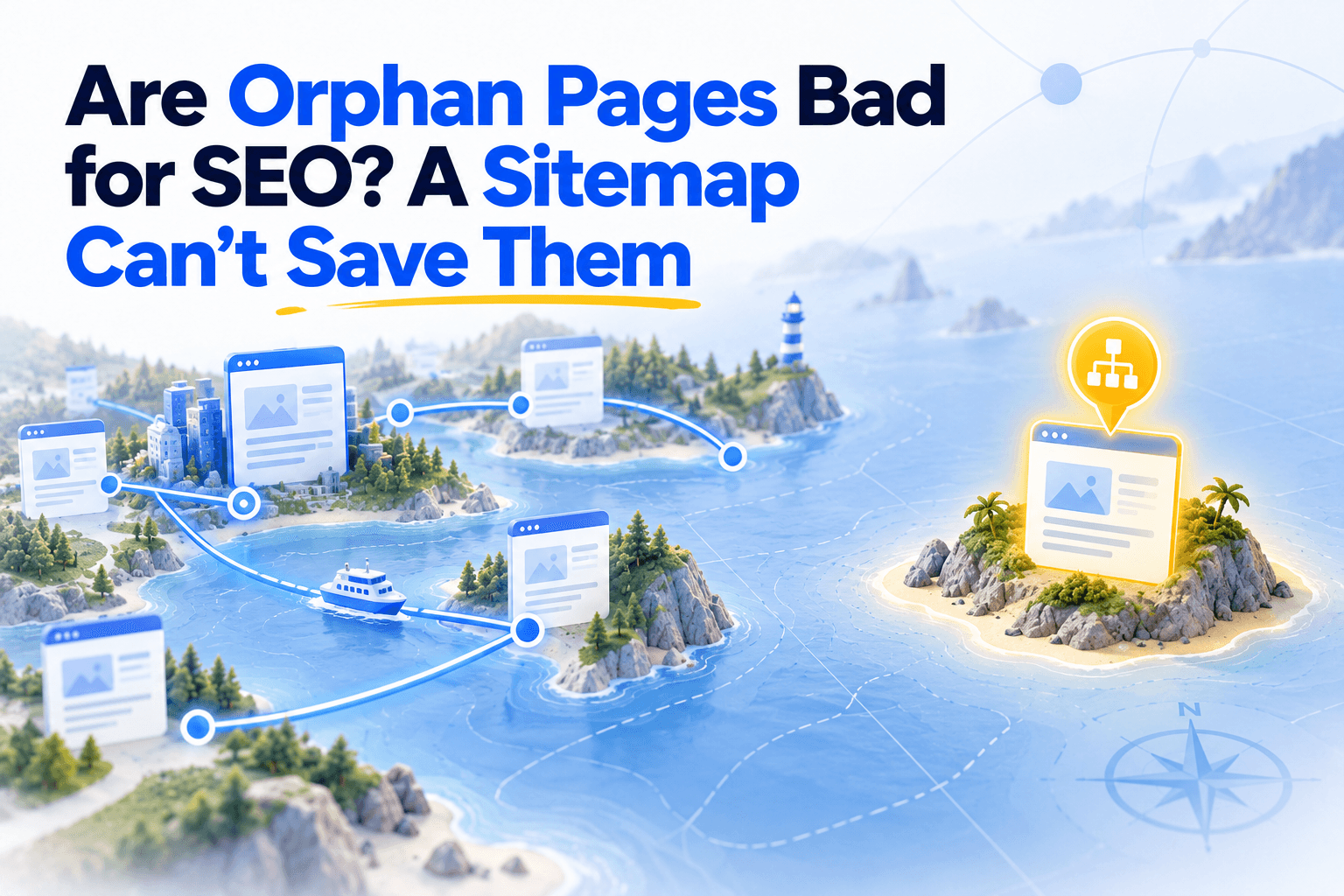
Picture an island marked on every nautical chart, with a name and a harbour symbol, that no ferry line serves. Travellers who read the chart want to go, but getting there means chartering their own boat.
So few make the trip, almost nobody comes back to talk about it, and everyone ends up assuming the island's own authorities would rather you went elsewhere.
An orphan page is that island. It is listed in your sitemap, reached by no link on your site, and Google draws the same conclusion the travellers did.
So yes, orphan pages are bad for SEO, and not because Google cannot find them. The damage comes from your site telling Google two opposite things about them.
Orphan pages get found, but nothing on your site vouches for them
Yes, orphan pages are bad for SEO. Google can still find them through your sitemap or old links, but internal links are how a site shows which pages matter. An orphan gets found, then ranked like a page its own site ignores.
An orphan page is a page that no other page on its own site links to. A visitor cannot click their way to it, and neither can a crawler starting from your homepage.
Finding it is rarely what goes wrong. Google reaches orphans through the sitemap, through links that pointed to them before a redesign, or through other sites that still link to them.
What nothing replaces is the site speaking for the page. Google's link best practices ask that every page you care about receive a link from at least one other page of your site, placed in context.
| What a page gets | From the sitemap | From internal links |
|---|---|---|
| Being known to Google | Yes | Yes |
| A sign it matters | Declared, never shown | Shown by every linking page |
| A description | None | The anchor and its sentence |
| A share of the site's value | None | Passed along each link |
| Visitors | None | Arrive by clicking |
The description row is the easiest to overlook. An orphan is described by no other page, only by itself.
The same Google guide says anchor text helps it understand the page being linked to, and descriptive anchor text is how the rest of your site would tell Google what that page covers.
Link value flows along internal links, so a page nobody links to receives none of it. Seen through crawl depth, an orphan is the extreme case, a page no chain of clicks from the homepage ever reaches.
Your sitemap says the page matters, your links say it doesn't
SEO is a set of messages you send Google to outrank your competitors. Listing a page in your sitemap says it matters, leaving it unlinked says the opposite, so an orphan in your sitemap is two messages cancelling each other out.
Back to the islands for a moment. One that appears on no chart bothers nobody, because no traveller knows it is there.
An orphan missing from your sitemap behaves the same way. If Google has never heard of it either, it costs you nothing, and it earns you nothing.
The orphan listed in your sitemap is another matter. Google describes the sitemap as the file that tells search engines which pages you consider important.
Google can, and often does, index such a page straight from the sitemap. That is precisely the problem.
Google knows the page, has read your claim that it matters, and sees that not one page of your site backs the claim up.
A competitor whose sitemap and links agree sends one clear signal on the same subject, where you send two that blur each other.
The question that sorts every orphan. Which of the two messages is wrong, the sitemap or the structure? Answer it page by page, and the fix follows.
When Google decides a sitemap entry is not worth fetching, the page sits in Search Console as discovered but not indexed, a status internal links are among the few levers to change.
Five kinds of orphans need five different fixes
Most orphans fall into five cases. Forgotten pages need links, links crawlers cannot read need rebuilding, dead pages need to leave the sitemap, duplicates need to point to their main URL, and pages that should never rank need a noindex.
| Case | Typical pages | What to do |
|---|---|---|
| The site forgot the page | Expert articles, posts without a category | Contextual links, plus navigation if widespread |
| Crawlers cannot follow the link | Pages behind JavaScript menus or buttons | Rebuild the link in standard HTML |
| The sitemap forgot to drop the page | Expired pages, discontinued products | Remove it, then redirect or return a 410 |
| The URL duplicates another page | Parameter, slash or http variants | Redirect or canonicalize to the main URL |
| The page should never rank | Campaign landing pages, thank-you pages | Noindex it, keep it out of the sitemap |
The site forgot the page
The setup. One client we worked with had published a large body of articles by subject-matter experts, adding real value to what was already online. Many of them had no internal link pointing to them.
The change. We first gave every article a navigational path, with breadcrumbs and category tags. Then we added contextual links between articles on related subjects, to multiply the connections and densify the network.
What it showed. The client had been sitting on an untapped source of organic traffic, simply because nothing on the site led there.
When a whole section is cut off, as it was here, fix the navigation, since one template change gives every page a path at once. When only a few pages are affected, contextual links are enough.
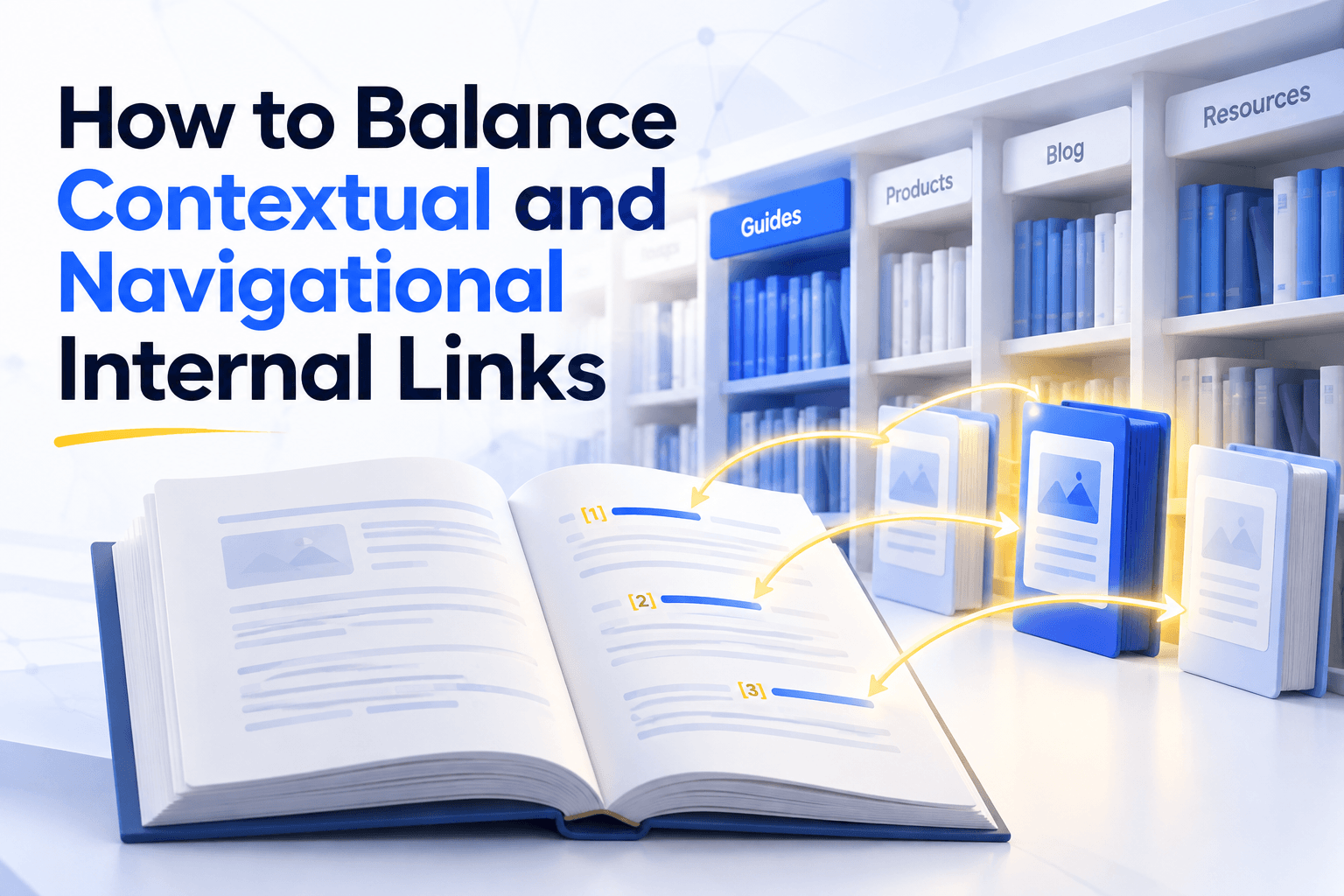
Navigational and contextual links do different jobs, the first guaranteeing a path and the second saying what the page is about.
Many orphans start life as new posts, published with links going out and none coming in, because links to a new post have to come from older ones and someone has to go back and add them.
Seasonal pages belong here when they come back every year. A Black Friday page that loses its links each January has to earn its standing again each November, so it is worth keeping linked all year.
Crawlers cannot follow the link
Some orphans are orphans only for crawlers. The page sits in a menu or behind a button that visitors use every day, but the link is built in JavaScript, with no address a crawler can read.
Google follows links written as a standard HTML element with an href attribute. The fix is to rebuild the existing link in that form, not to add new ones.
The sitemap forgot to drop the page
At another client, the orphans turned out to be obsolete pages that should have left the sitemap long ago. Linking them would only have sent visitors toward content nobody maintained.
E-commerce sites create the same case every day. A product runs out of stock, drops out of its category listing, and stays in the sitemap.
Google's John Mueller has explained that such a page can be treated like a page that no longer exists (a soft 404) and dropped from results. Google's crawl budget guide adds that soft 404s keep getting crawled.
- Permanently gone. Take the page out of the sitemap first, then redirect it to a page that genuinely replaces it, especially if other sites still link to it, or return a 410 when nothing does.
- Temporarily out of stock. Keep the page live and linked, since it will need its links back the day the product returns.
On catalogues large enough for crawl budget to become a constraint, every visit spent on a dead product is a visit taken from a page you actually sell.
The URL duplicates another page
Some orphans are copies. The same page answers at an address with and without a trailing slash, with tracking parameters, or in an old http version, and only one version is linked.
These are not pages to link. Redirect the stray version to the main one, or point it there with a canonical tag, and keep only the main URL in the sitemap.
The page should never rank
Some orphans are orphans on purpose. Campaign landing pages, thank-you pages and pages built for a single partner matter to the business, not to search.
Mark them noindex and keep them out of the sitemap. Neither message then asks Google to care, and the contradiction disappears.
The same handicap follows orphans into AI search
AI answers from Google and Bing are built on their search indexes. An orphan that never makes the index cannot be cited in AI Overviews, AI Mode or Copilot, and one that barely ranks starts behind, so orphans need no separate AI fix.
AI search is often presented as a new channel with new rules. For orphan pages, the old rules carry straight over.
The index comes first. Google's guidance on AI features sets one technical condition for being cited in AI Overviews or AI Mode, being indexed and eligible for a snippet, and names internal links among the practices that help.
Bing's webmaster guidelines say Copilot rests on the same crawling, indexing and ranking foundation as Bing search. ChatGPT search draws on third-party search providers, Bing among them, so whichever index answers, an orphan enters it weak.
Query fan-out raises the stakes for deep content. Google's AI features can split a question into related searches on its subtopics, which Google calls query fan-out, and specialist pages are the natural match for those narrower searches.
Agents that browse cannot reach it. When an AI agent moves through a site the way a visitor does, from link to link, an orphan is out of reach by definition.
How Unveil SEO finds and reconnects orphan pages
Unveil SEO combines the pages in your sitemap with the pages it reaches by following links, sets aside noindex and canonicalized pages, and lists the orphans that remain. For those worth keeping, Inbound Link Suggestions finds the paragraphs that should link to them.
Deciding which message is wrong is a judgement only you can make. Finding the orphans and rebuilding their links is the part a tool can take off your hands.
- 1
List your orphan pages
Finding orphan pages reliably takes more than one source, because each source misses some.
Unveil SEO crawls your site from the URLs in your sitemap and by following links from page to page. It then sets aside noindex and canonicalized pages, so the list holds only the orphans that need a decision.
- 2
Sort them and clean your sitemap
Decide for each orphan which of the five cases it falls into, then remove from your sitemap the pages that should leave it.
- 3
Link the pages worth keeping
When orphans are widespread, as in a whole section without categories, rework the navigation as well as the contextual links. When only a few pages are affected, contextual links are enough.
Inbound Link Suggestions searches every paragraph of your site for passages that already discuss the orphan's subject, and proposes the link on words already written there.
- 4
Keep the list current
Unveil SEO checks that the links you approve are live, and re-crawls your site every week, so a page that slips back into orphan status does not stay hidden for long.
Every island you keep on the chart deserves a ferry line. The ones you would rather nobody visited belong off the chart entirely.