
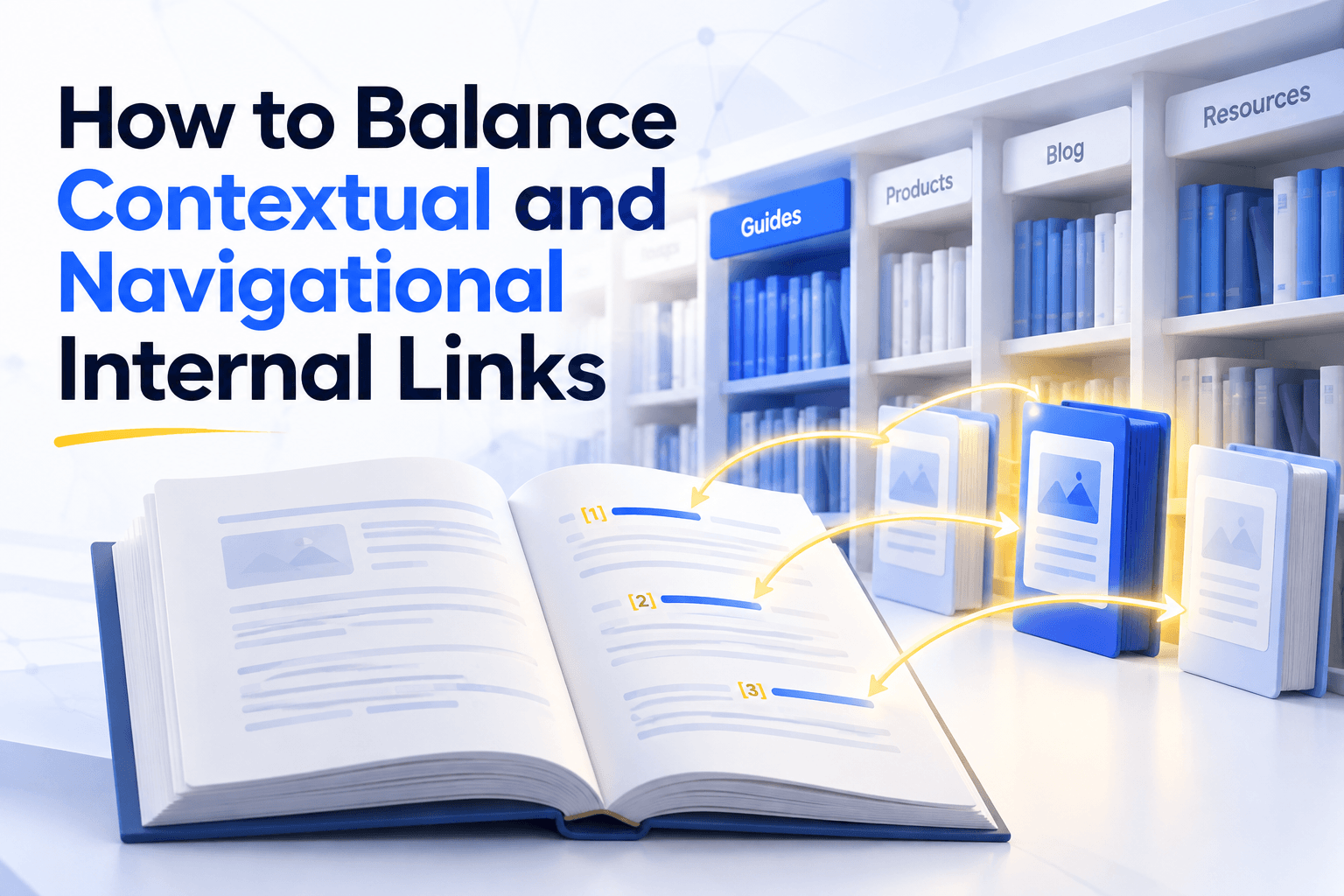
A library tells you where things are in two ways.
The shelves show which sections exist and which ones matter most. The footnotes tell you why one page leads to another, right when you need it.
Nobody asks a librarian for the right ratio of shelves to footnotes. Yet SEO teams keep asking how to balance contextual and navigational internal links.
There is no ratio to find, because the two kinds of links send different signals.
- Your navigation tells search engines that a page matters.
- Your content tells them what the page is about.
Balancing them means giving every important page both signals. Google has even said that an internal link's position makes no measurable difference to its value, which contradicts most guides on the subject.
What navigational and contextual links each tell Google
Every internal link works as a path and as a message. As paths, menu links and in-text links are probably worth about the same. As messages they are not, because what a link says about its target depends on text a menu does not have.
Google has made two statements that point this way.
- John Mueller, asked in 2022 whether internal links in the header, footer or body carry different value, said their value is roughly the same. The difference Google makes, he added, concerns the content.
- Martin Splitt has described how Google spots blocks that repeat across a site, like a menu, and weights that boilerplate differently.
An anchor and the sentence around it are content. They fall on the side where position counts.
This reading also fits a Google patent that weights each link by how likely a reader is to click it, the Reasonable Surfer patent. Google has not published enough to confirm it, so treat it as an interpretation.
How anchor text and the few words around a link combine into one signal about the target page decides how much of the message gets through.
A menu link has a second limit. It repeats the same label on every page.
Cyrus Shepard, who analysed 23 million internal links across 1,800 websites, suggests such a link may count as a single editorial statement. As a path, it is still one link from every page.
| Navigation link | Contextual link | |
|---|---|---|
| Importance | A link from every page | A few links from related pages |
| Anchor | One label, identical everywhere | A different phrase on each page |
| Surrounding text | None | A sentence written for that page |
| What it tells Google | This page matters | This page covers this subject |
Being in the menu is not the same as being linked
A page in your navigation already gets a link from every page. It can still lack the page-specific links that say what it covers. In a controlled test, pages reachable only through the menu gained traffic once related pages linked to them directly.
The setup. The grocery retailer Iceland sorts its catalogue into three levels of categories. The third level was reachable only through the main menu.
The change. SearchPilot ran a split test that added buttons at the top of each second-level page, pointing to its own subcategories.
The result. Measured against control pages, the test found three gains.
- +25% estimated organic traffic across both category levels
- About 9,200 additional organic sessions a month
- 20%+ for each group alone, including the pages that got the buttons
The third-level pages already had a link from every page. What they lacked was a link from the page closest to their topic.
A menu handles crawl depth well, which is why a menu slot can look like complete coverage. This single test from 2020 suggests it is not.
Look at what the new links were, though. They were buttons, not sentences.
So the real divide is not menu versus text.
- Global links are identical on every page, like menus and footers. They buy reach and importance.
- Local links change with the page, like breadcrumbs, subcategory blocks and in-text links. They carry the page-specific message.
The balance also shifts with site size. In the Zyppy data, navigation links tended to work well on large, high-traffic sites and less on small and medium ones.
That is a correlation, but it fits the mechanics. A menu on a 40-page site adds only 40 links, usually from pages with little authority.
On a small site, local links probably do most of the work, and finding them is the slow part. Unveil SEO's inbound link suggestions read every paragraph of a site to find the ones that already discuss a page's topic.
How to decide what belongs in the menu and what belongs in the text
For each important page, count the links it gets from navigation and the links it gets from content, separately. Crossing the two shows what to promote, what to link and what to question.
Each page then falls into one of four cells.
| Linked from content | Barely linked from content | |
|---|---|---|
| In the navigation | Core pages. Leave them alone | Fine for utility pages. Topic pages here lack a message |
| Not in the navigation | Hubs your content created. Candidates for the menu | Weakly connected. Link them or question them |
Hub pages can emerge from contextual linking on their own, as broad articles collect links from narrower ones. The bottom-left cell shows them.
The menu can then confirm a choice the content already made.
- 1
List your global links
Note every link that appears on all pages, in the header, footer, sidebar or template blocks. Keep the list short, since John Mueller has said a menu of over a thousand links may be hard for Google to understand.
- 2
Count inbound links in two columns
For each important page, separate links from navigation and links from the main content. Screaming Frog's link position classification does this from the page's HTML.
- 3
Start with the top-right cell
These pages sit in the menu, yet no paragraph explains what they cover. Link them from related content first.
- 4
Adjust, then measure
Give a menu slot to the hubs your content created. Add breadcrumbs or subcategory blocks where levels connect only through the menu.
Links from older articles are often the fastest fix, because older posts have had time to earn authority. Check clicks and impressions in Search Console after six to eight weeks.
The menu will keep telling Google which pages matter. The paragraphs you add tell it what those pages are about.