
A 2013 study of 17.9 million scientific papers found that the most cited ones were neither pure specialists nor pure explorers. They stayed grounded in their field and borrowed a few ideas from elsewhere.
Websites earn visibility the same way. That is what the debate on topic clusters vs keywords usually misses.
Keywords decide which pages deserve to exist. Links decide which topics those pages form.
Topic Clusters and Keywords Answer Two Different Questions
A keyword tells you which page deserves to exist. A topic describes how pages group together once they are linked. You need both, and each page needs one clear subject before it is written.
Most guides on topic clusters vs keywords say topics have replaced keywords, then build every cluster from a keyword list. Even HubSpot's original report, which launched the model, calls topics an umbrella over keyword strategy.
| Keyword | Topic | |
|---|---|---|
| Question it answers | Which page should exist? | Which pages belong together? |
| When it is settled | Before writing | After publishing |
| What settles it | The editorial plan | Links between pages |
| Where it works best | Big, known queries | Long tail and overlaps |
One page rarely maps to one keyword. In Ahrefs' study of 3 million queries, the page ranking first showed two patterns.
- It also ranked in the top 10 for nearly 1,000 other keywords on average.
- It rarely ranked for more than one keyword above 10,000 searches a month.
So a page targets one main keyword and picks up the long tail through its content. It joins a topic later, through internal links, the one SEO lever a site fully controls.
Plan Your Pages, Not Your Link Architecture
We plan which pages to write to cover a market, then let the links settle in as pages go live. The tests behind topic clusters measured links, not the pillar shape.
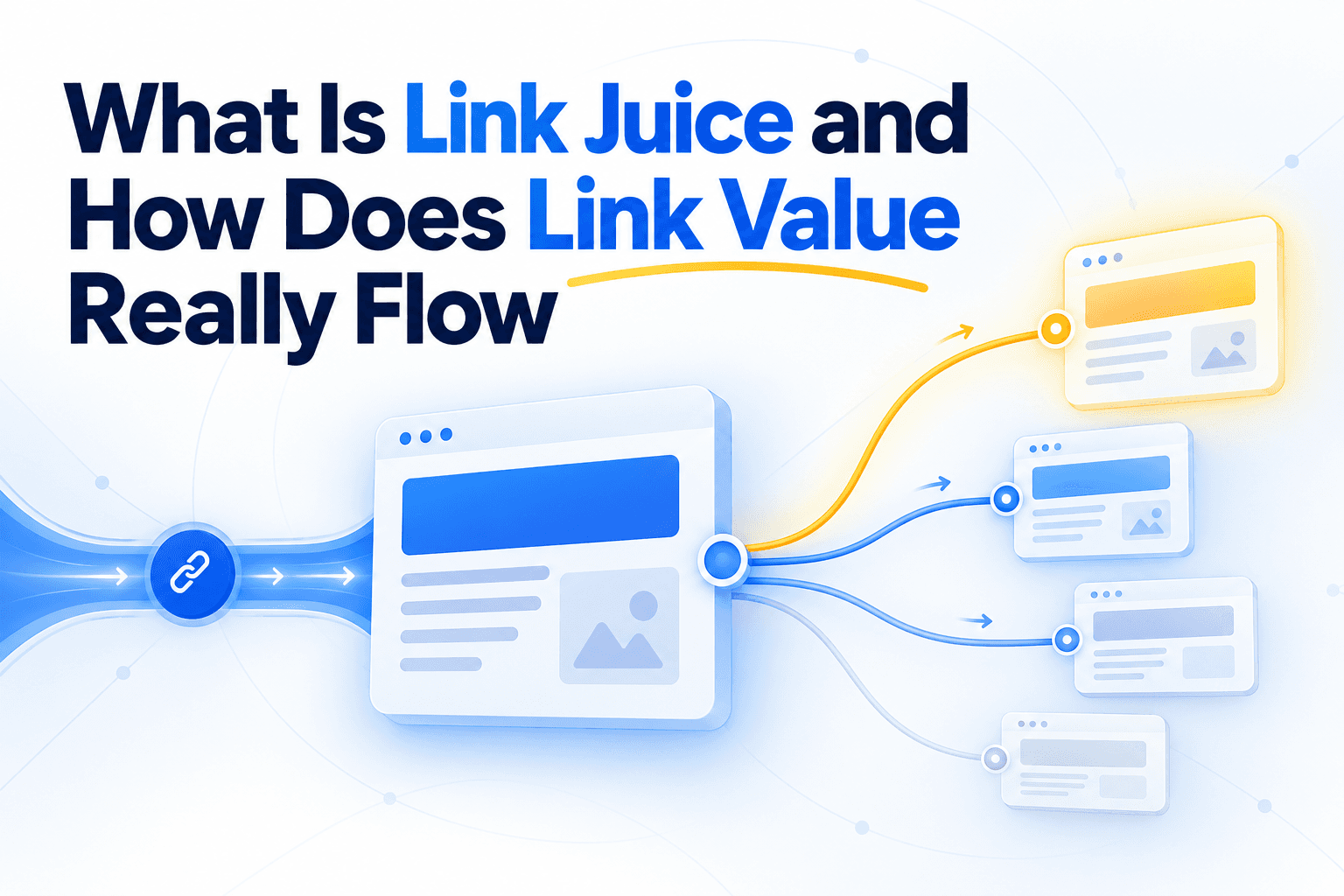
HubSpot's tests measured links, not pillars. The more the team linked related pages, the better those pages ranked.
Nothing in the report tests the pillar shape on its own. We see the pillar as a way to organize the work, not as what makes pages rank.
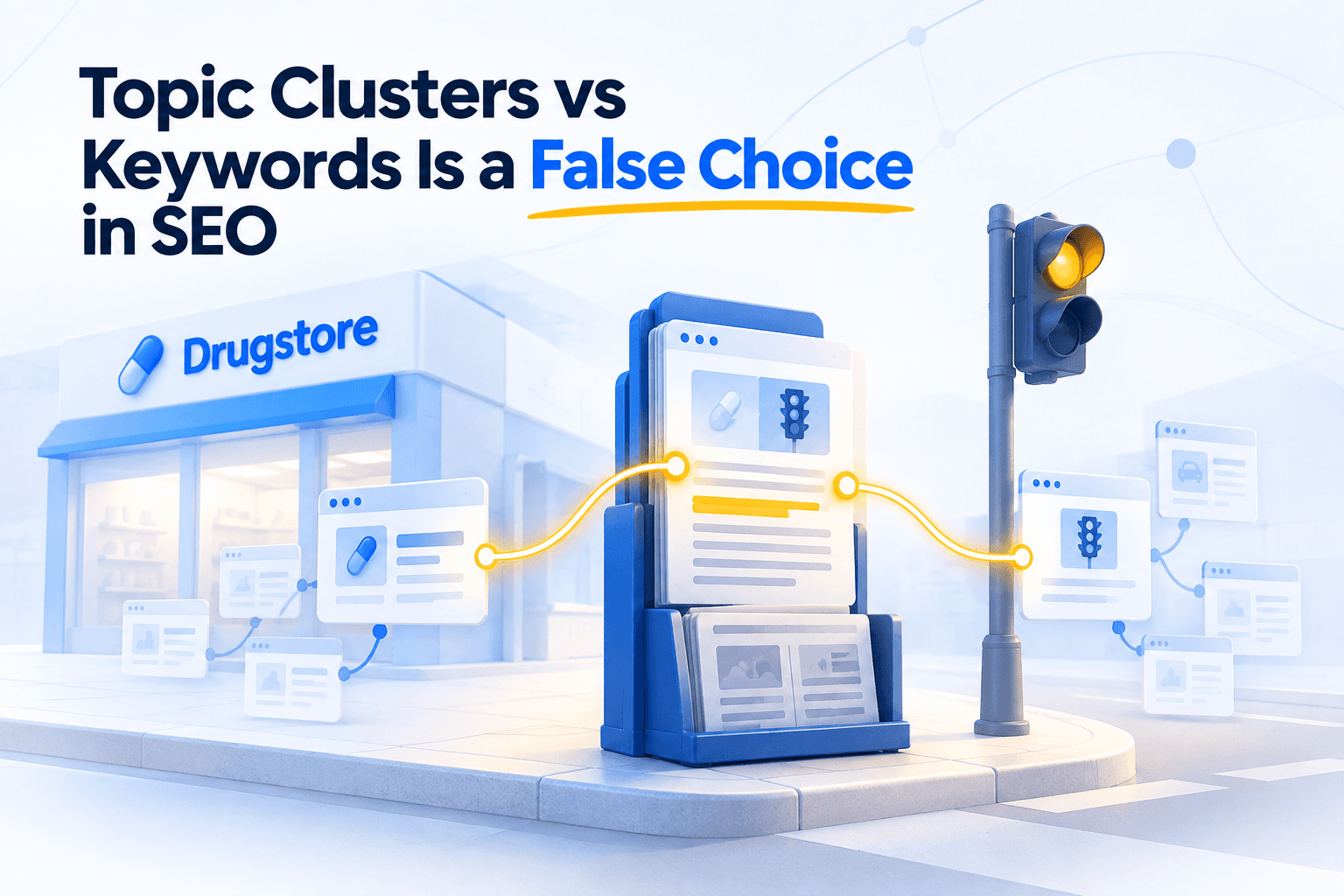
Why we draw pillars anyway. In 1965, the architect Christopher Alexander noticed a newsrack outside a Berkeley drugstore, next to a traffic light. People waiting for the light read the papers, so the rack belonged to the shop and to the crossing at once.
No planner would have drawn that overlap. Alexander argued that the mind can only picture a tree in one go, so planned towns come out as trees.
Planned websites come out as pillars for the same reason.
On real sites, pillars stay the exception. When Unveil SEO maps a site's topic clusters, pillar structures show up on a few subjects at most.
The rest of the site grows page by page, as products launch and questions come up. A link plan drawn a year earlier rarely survives that.
Planning still matters, for pages. It keeps a site from leaving gaps or writing two pages for one query.
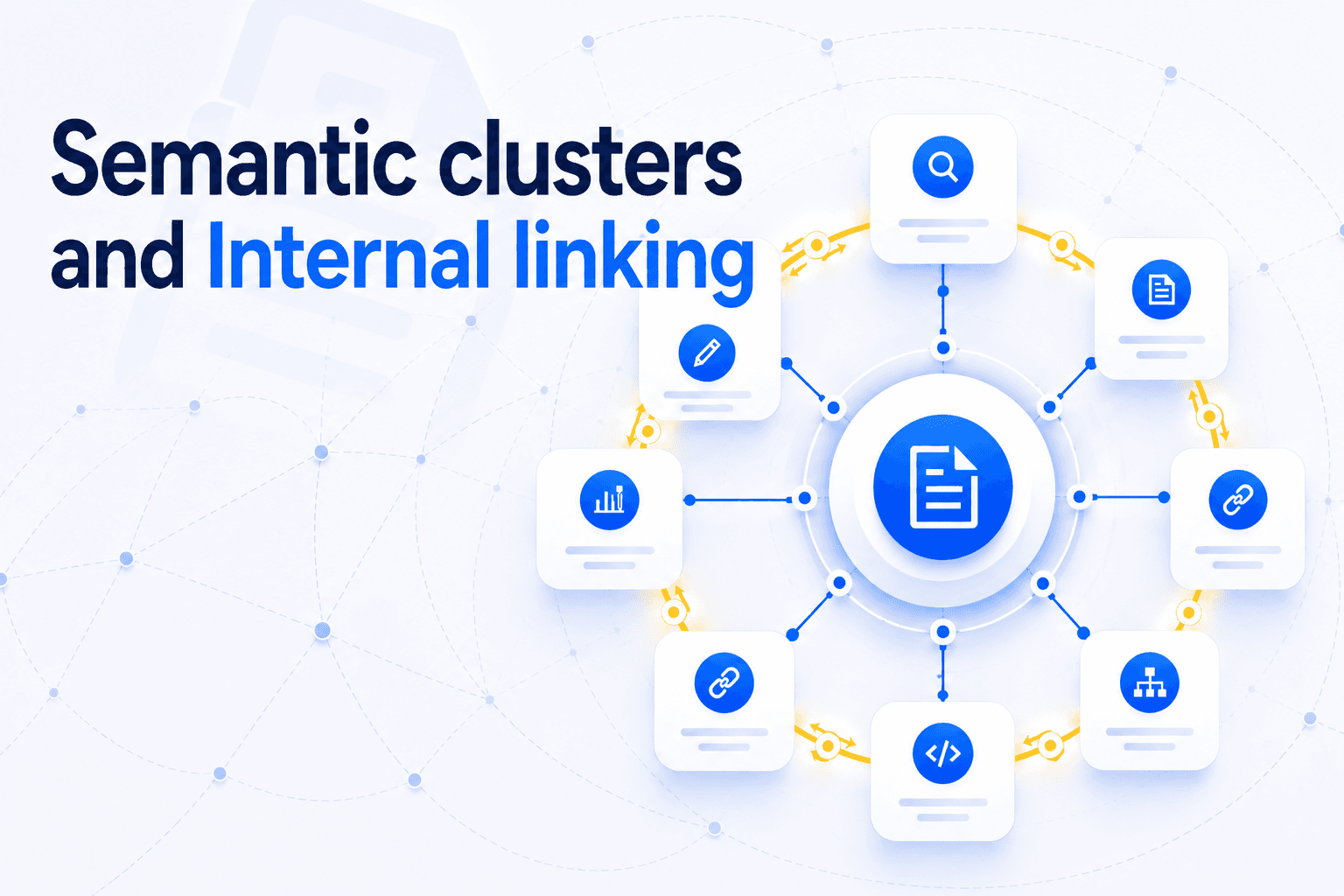
What doesn't need a blueprint is the linking. Pages gather into semantic clusters that build authority through internal links as they get linked.
The Strongest Topics Overlap Instead of Sitting in Silos
A page can belong to several topics, like a blog post with several tags. Links between neighbouring clusters show the breadth of your expertise, as long as both clusters are subjects you genuinely know.
A pillar gives each page one parent. Real subjects overlap.
A page on internal linking for e-commerce sites belongs to an internal linking cluster and an e-commerce cluster at once. It serves readers coming from either side.
Unveil SEO works with that overlap. It suggests links inside a cluster to tie it together, and links that leave it to start a new one.
Crossing pays when it starts from a strong core. The study from the opening counted how often each type of paper became a hit, meaning a paper in the top 5% most cited.
| Paper profile | Hits per 100 papers |
|---|---|
| Strong core, a few outside ideas | 9.11 |
| Strong core only | 5.82 |
| Outside ideas, weak core | 5.33 |
| All papers | 5 |
Crossing is not drifting. HubSpot, which popularized topic clusters, saw its blog lose around 80% of its estimated organic traffic within a year.
A widely discussed explanation was content written for search volume, far from its expertise. One test tells the two apart.
- Crossing. A natural link works in both directions, because each page answers what the other's reader asks next.
- Drifting. The only way to link the page is a forced sentence. As Alexander put it, a garbage can is full of overlap too.
Menus can stay a tree. Categories are how visitors browse, and giving each page one clear place helps them.
The overlaps live in the text. Contextual links tell Google things navigation links cannot.
Keywords Still Read the Market, but the Long Tail Decides
Big keywords are still the best way to read a market and decide what to write. But more and more visibility comes from long, specific queries that no keyword list contains.
We still start every editorial plan from big keywords. Below them, demand splits into queries too small or too new to target one by one.
- 15% of daily Google searches are brand new, a share Google says holds steady.
- Nearly 93% of keywords in Ahrefs' US database get fewer than 10 searches a month.
- AI search multiplies queries. Google's AI Mode splits each question into subtopics and runs several searches at once.
Long queries often mix two subjects. A page where two clusters meet, linked from both, is likely the best answer to them.
Don't chase this with a page per variation. Google's guide to AI search says doing it mainly to manipulate rankings breaks its spam policy on scaled content.
Coverage and links win the long tail. It is also why internal linking matters more in AI search.
How to Organize a Site Around Keywords and Topics
Choose pages with keywords and give each one a single subject. Then let contextual links form the topics as pages go live, and check the clusters that emerge instead of drawing them in advance.
- 1
Map the market with big keywords
List the main queries of your market and decide which pages deserve to exist. Planning belongs here.
- 2
Give each page one subject
Write down, in one sentence, what the page wants to rank for. Links added later need that clarity.
- 3
Link each new page as it goes live
Add links from older pages on the same subject, with anchors that describe the destination. Links to a new post count most when they come from older posts.
- 4
Keep menus simple and let the text cross
Menus give each page one place. Links in the text can connect pages across topics.
- 5
Check the clusters that form
See which pages end up linked together and strengthen those groups. Test every link that crosses clusters, as part of an internal link audit that checks signal, not just broken links.
Topic clusters vs keywords was never the real choice. Keywords tell you where to build, and the links you add every week decide what your site becomes known for.