
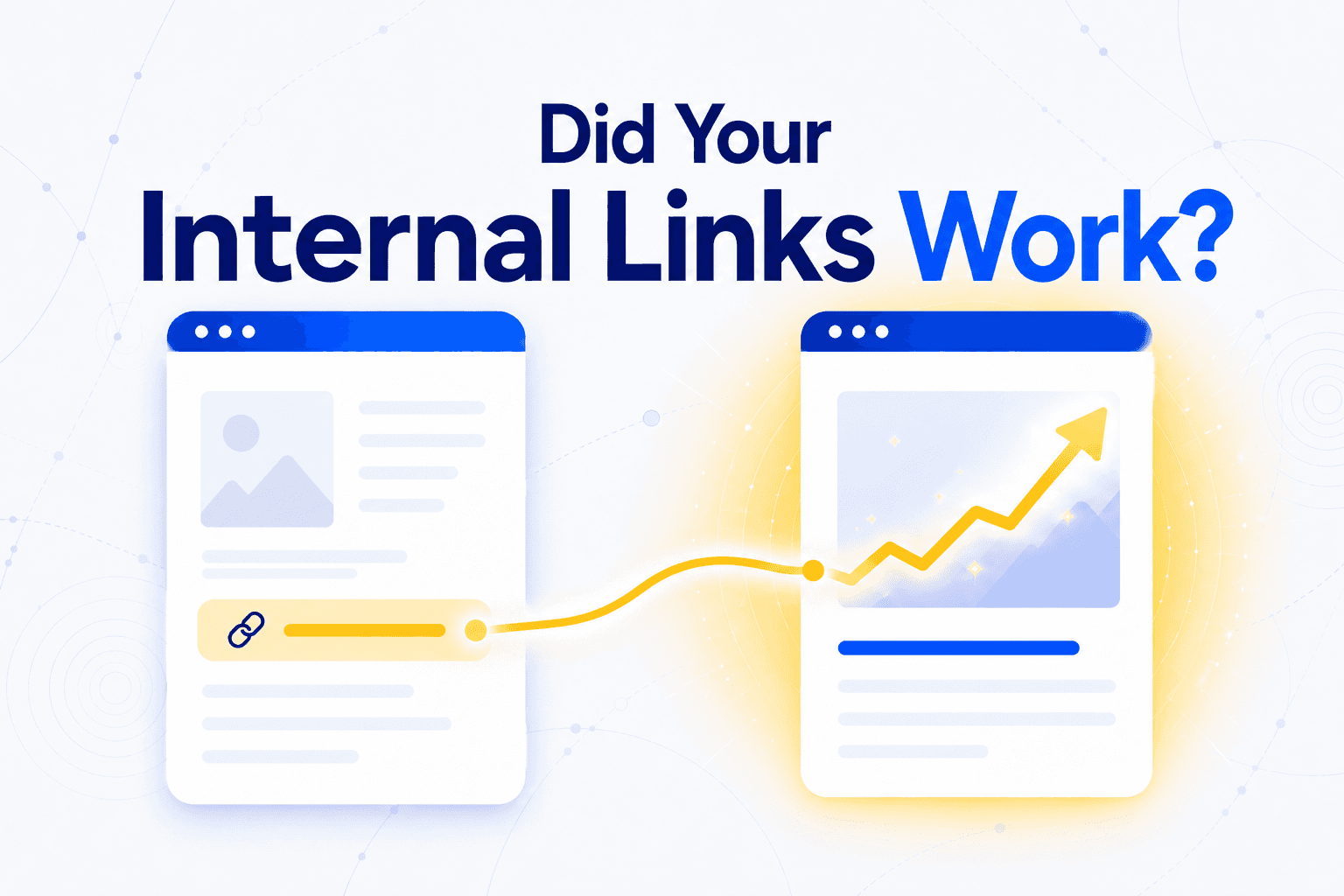
You added 50 internal links last month. Traffic is up 12%. Was it the links?
Or was it the blog post you published the same week, the backlink you earned, the core update Google rolled out Tuesday? Internal linking is one of the few SEO levers entirely under your control. Measuring whether a specific change produced a specific result is harder, but not impossible.
The solution is not perfect attribution. It is a structured before/after comparison at three levels: did Google crawl it, did rankings move, did clicks and revenue follow.
Layer 1: Did Google even notice?
Before you measure rankings or traffic, confirm Google actually crawled and indexed the change. If the link was never picked up, nothing downstream matters.
You add five internal links to a page, wait a month, see nothing, and conclude "internal links don't work." But the page might not have been recrawled since you made the change.
Three checks, all free in Google Search Console:
- URL Inspection on the source page. Check the "last crawl" date. If it is before your change, Google has not seen the new link yet.
- URL Inspection on the target page. If the target was an orphan page, check whether its coverage status moved from "Discovered, currently not indexed" to "Indexed."
- Crawl depth. A page buried 5 clicks deep that receives a new link from a page 2 clicks from the homepage should move closer to the surface. Unveil SEO's depth analysis tracks this automatically across your full site structure.
If you see no recrawl after 3 weeks, investigate: is the source page itself rarely crawled? Is the link rendered via JavaScript? Is there an accidental nofollow?
This layer is binary. Either Google picked up the change or it did not. If it did not, fix the crawl issue before checking anything else.
Layer 2: Did rankings move?
The link was crawled. Now check whether it changed anything in how Google evaluates the page. This is where most of the measurable signal lives.
Export the GSC Performance report for your target page(s). Compare four metrics across two time periods, before and after the linking change:
| Metric | What a change means |
|---|---|
| Impressions up | Google is showing the page for more queries. This is the earliest signal: impressions move before position does. |
| Average position improved | The page ranks higher for existing queries. Authority or relevance signal. |
| Clicks up | More people reach the page from search. |
| CTR changed | If CTR dropped while impressions rose, the page may be appearing for less relevant queries. |
Impressions are the leading indicator. A page that suddenly appears for new queries it never triggered before is a sign that Google now understands it better, often because the anchor text of new internal links provided additional topical context.
SearchPilot's controlled split tests on internal linking consistently show measurable organic traffic gains from linking changes alone. The effect is real and repeatable.
One number to know: 200 clicks
The target page needs at least 200 clicks in both the "before" and "after" periods for reliable conclusions. Below that, the data is too noisy. Extend the window to 6-8 weeks or group similar pages together.
Measure the donor page too
This is the insight most frameworks miss. In SearchPilot's controlled experiments, donor pages (the pages that added outbound links) sometimes benefited more than the recipients.
Adding a relevant outbound link makes the source page richer and more contextual. Google notices. If you only track the target, you may conclude the links had no effect when the source page improved instead.
Our own data points the same way. Across 1,804 blog articles, articles that give links without receiving any reached Google's top 10 41% of the time, against 33% for articles with no contextual link either way, at comparable length, age and backlinks.
Layer 3: Did it drive clicks and revenue?
Rankings are intermediate. The final layer connects linking changes to business outcomes.
The simplest check: compare organic clicks in GSC for the target page, before vs. after. If impressions and position improved (Layer 2) but clicks did not, the problem is likely the title tag or snippet, not the links.
In GA4, filter the landing page report by your target URLs. Compare organic sessions, engagement rate, and conversions. The connection is indirect but real: a page moving from position 14 to position 8 receives higher-intent traffic that converts at the page's existing rate.
The behavioral signal. Google's NavBoost system, confirmed during the DOJ antitrust trial, tracks user interactions on pages, including clicks on internal links, as a ranking signal. A well-placed link that users actually click generates more value than one nobody notices. If you track internal link clicks with GA4 events, you can see which links carry real engagement and which are invisible. NavBoost stores 13 months of data, so the full behavioral benefit accumulates well beyond your initial measurement window.
How to avoid fooling yourself
The biggest risk in measuring internal links is false attribution. Three traps to watch for.
1. Confounding changes. You added links, updated the title tag, and refreshed the intro. If traffic rises, you cannot attribute it to the links alone. Document every change with a date. One variable per test when possible. When not possible, acknowledge the ambiguity and wait longer before concluding.
2. Small sample size. Fewer than 200 clicks in your measurement window means the data is unreliable. Extend to 6-8 weeks, or group similar pages.
3. Measuring only the target. You tracked page B (the recipient) but ignored page A (the donor). Controlled experiments show donor pages often benefit as much or more. Always track both.