
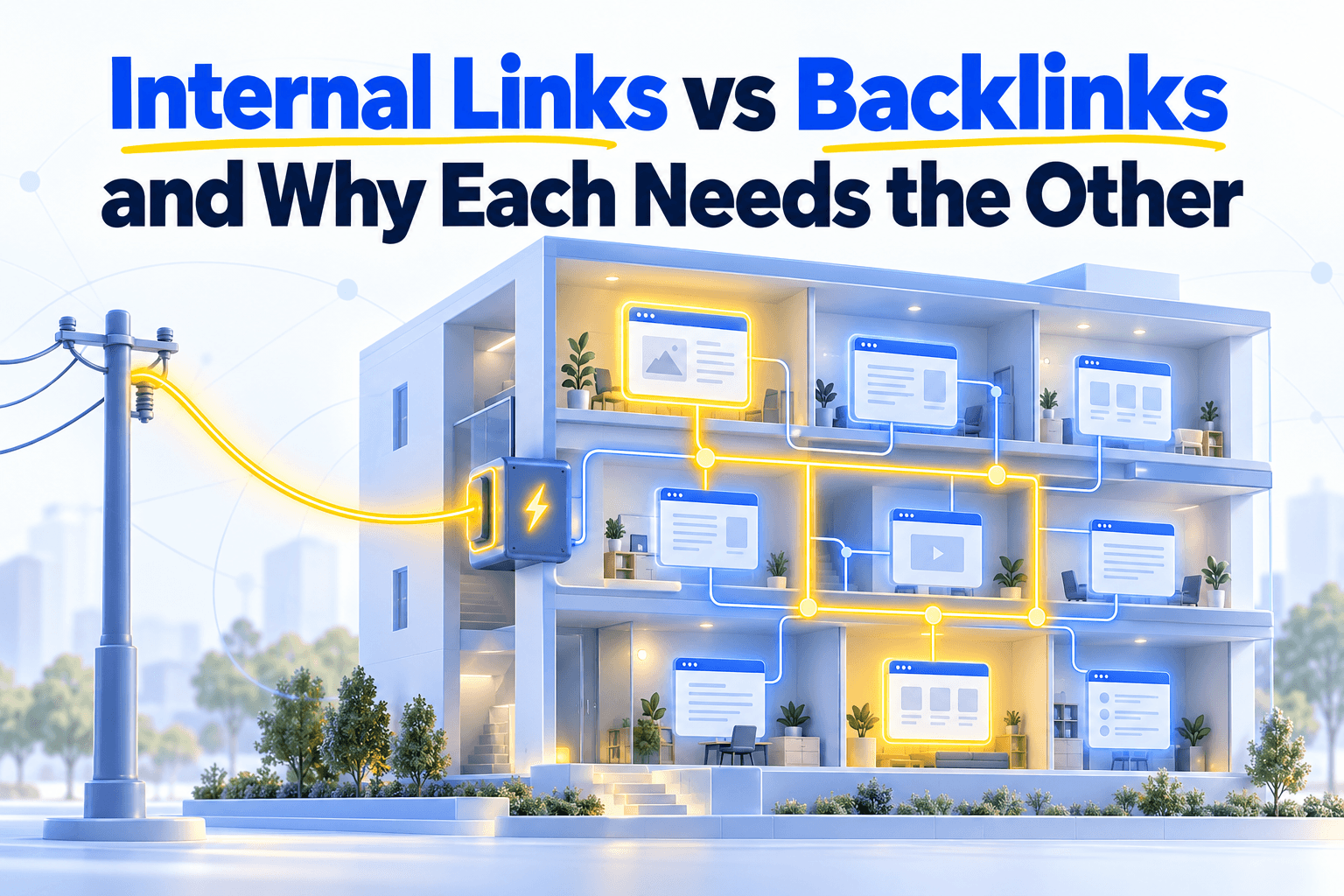
A power station can run at full capacity while a building on its grid stays dark. The current reaches the meter and stops there, because nobody wired the rooms.
Websites fail the same way. Backlinks bring authority in from other sites, and without internal links it pools on the pages that earned it.
A homepage with 200 strong backlinks and product pages with three internal links each is that dark building. Backlinks and internal links are two halves of one system, and either one alone wastes the other.
What each one actually does
Backlinks bring authority into your site from the outside. Internal links distribute that authority to the pages that need it. Neither creates value alone, because authority that is never distributed helps only the page that received it.
| Dimension | Backlinks | Internal links |
|---|---|---|
| Origin | External sites link to you | You link between your own pages |
| What it signals | "This site is trustworthy" | "This page matters for this topic" |
| Who controls it | Other sites (you can influence, not control) | You (editorial and structural decisions) |
| What it costs | Outreach, content marketing, PR, time | Editorial effort, structural planning |
Both carry signal, but they do different jobs. Backlinks tell Google your site deserves authority, and internal links tell Google which pages deserve it most.
How authority flows from one to the other
Backlink authority does not spread evenly across your site. It travels through internal links and is split between the links of every page it crosses, so a page with no path from a backlinked page receives nothing.
The mechanism comes from PageRank, where each page splits what it passes on between its links.
A homepage with 50 links gives each one a fiftieth of what it passes on. A category page with 20 links then splits its own share twenty ways.
Here is what that means for a product page.
- ✓ Linked directly from a backlinked page → receives a direct share of its authority
- ✓ 2 hops away → receives a share of a share
- ❌ 5 hops deep → receives what is left after a split at every level
- ❌ Zero internal links from any backlinked page → receives nothing
Every level of your structure splits the signal again. This is simplified, since real PageRank is iterative and involves the whole link graph, but the principle holds.
Two sites with the same backlinks show the difference.
- ✓ Redistributed site. The homepage earns backlinks → links to category pages → categories link to products. Authority reaches every level, and deep pages rank.
- ❌ Pooled site. The homepage earns backlinks → links only to "About" and "Contact." Product pages have 2 internal links from a sidebar. Authority stays at the top, and deep pages don't rank despite strong domain metrics.
On a site of a few hundred pages, pooling is hard to spot page by page. The Link Graph in Unveil SEO shows which backlinked pages pass authority on and which ones are dead ends.
Why the balance is shifting toward internal links
Google says backlinks weigh less than in its early days and may weigh a little less over time. They still matter, and early data suggests their benefit reaches other pages through internal links, which makes those links the lever you control.
Two people at Google have said it on the record.
- Duy Nguyen, from the search quality team, said in a 2022 office hours video that backlinks have far less impact than when Google Search started.
- John Mueller, speaking at BrightonSEO, expected the weight of links to drop off a little over time, while adding that Google will always need links to find pages.
Neither says backlinks are dead. A site with zero backlinks has no external authority to distribute, no matter how good its internal linking is.
What changes is where the effort pays off. Citation Labs, a link-building agency, tested how backlinks to one page affect the rest of a site.
- The setup. Over eight months in 2024, Citation Labs built backlinks to 40 pages across three client sites and tracked the pages around them.
- The result. The 341 pages linked internally from those pages improved their average position more than 293 related pages with no such link. On one site, the gap reached 33%.
- The limits. The authors note that the sample is modest and that they did not control for other factors.
The same study found no lift so far for pages only close in topic, with no link between them. If that holds, a backlink helps the rest of a site only through the internal links leaving its page.
That is a reading of early data, not a measured law. It is still a strong reason to treat internal links as the part of the system you can act on today.
We measured how contextual internal links compare with a first backlink on 1,804 articles from six software blogs, comparing articles of similar length and age on the same blog. An article that receives at least one link from another article's text and gives at least one goes with 14 more points of presence in Google's top 10 than an article with neither. A first backlink goes with 19 more points. For citations in Google's AI Overviews, the gaps are 13 and 20 points.
The margins of uncertainty around these gaps overlap, so the two levers are of the same order. That doesn't make an internal link worth a backlink. But on these blogs, three articles in four have no backlink at all, and for them, internal links are the only link lever there is.
Internal links also carry signals of their own. Their anchor text tells Google what the target page is about, and pages with more internal links get crawled more often.
How to connect the two in practice
Find the pages where backlink authority enters your site, check whether they pass it on, and add contextual links from them to the pages that need it most. Pages sitting just below the first page of results are the natural first targets.
- 1
Find your authority entry points
In Google Search Console's Links report, or in a backlink tool such as Ahrefs, identify your most backlinked pages. These are the pages where external authority enters your site.
- 2
Check whether they pass it on
A crawl of your site lists each page's outbound internal links. Do your backlinked pages point to your priority pages, or do they accumulate authority without passing it on?
A page with 50 backlinks and no contextual outbound links is a bottleneck. The authority comes in and stops.
- 3
Link to the pages on the edge of page one
Start with pages that have high impressions but sit in positions 8 to 15 in Search Console. A few contextual links from backlinked pages can push them onto page one, and an internal link audit finds the remaining gaps.
- 4
Measure what changed
A few weeks later, compare the positions of the pages you linked with similar pages you left alone. Measuring internal link effectiveness works best with that kind of comparison.