
Most sites don't have a "no internal links" problem. They have a wrong internal links problem.
Links that point nowhere useful. Anchors that say nothing. Pages that exist but Google never finds. The damage is quiet: traffic stalls, key pages stay unindexed, and AI engines skip your content entirely.
The 10 signals below go from what anyone can spot in 10 seconds to what requires Search Console or a crawl tool to uncover. If even three apply to your site, your linking is costing you rankings.
1. Your anchor text says nothing
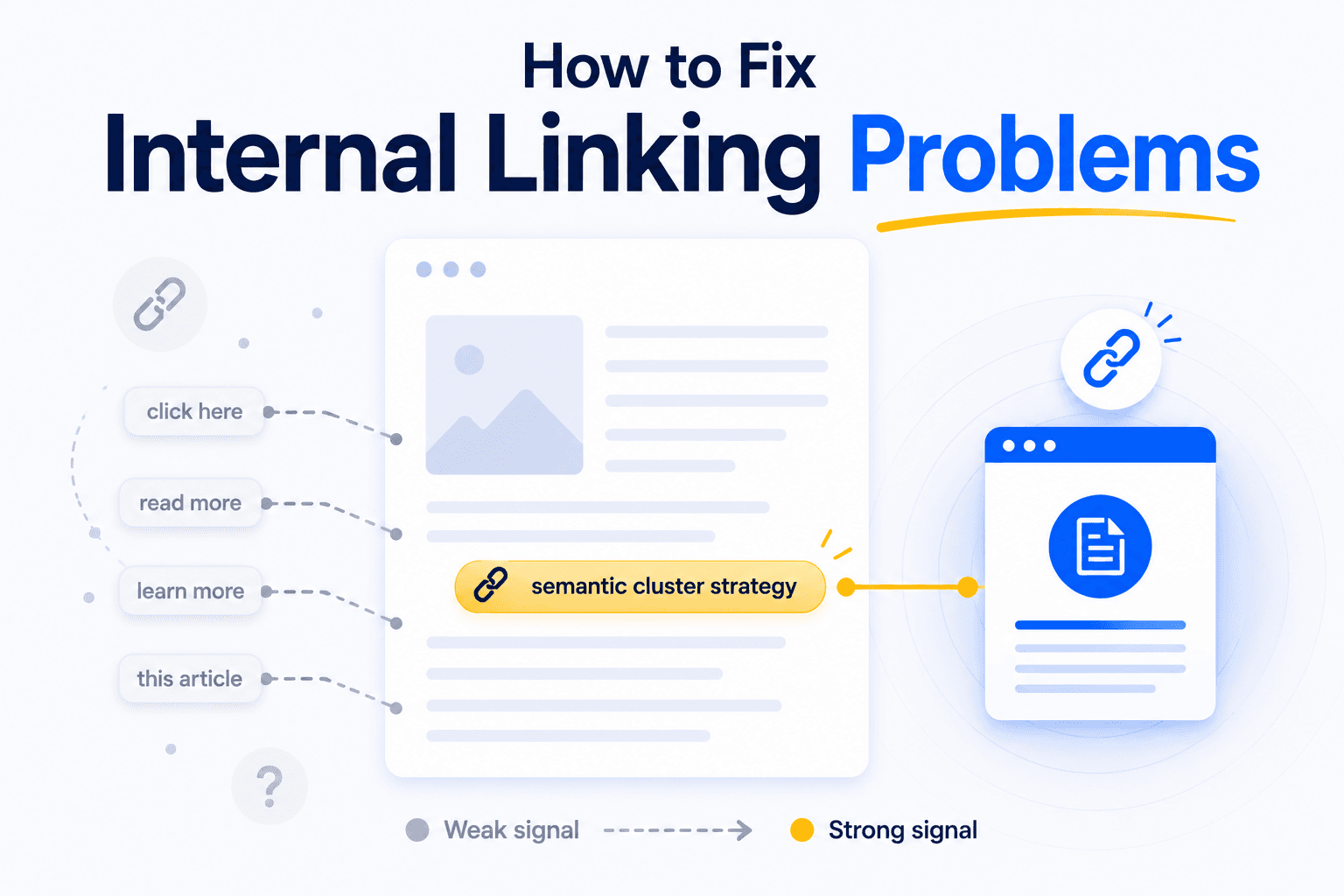
Generic anchors like "click here," "read more," or "this article" tell search engines exactly nothing about the page they point to. They tell AI systems even less.
Anchor text is one of the strongest signals Google uses to understand what the target page is about. It's also a factor in Google's Reasonable Surfer patent, which models how much weight a link passes.
The mechanism is simple: more descriptive words in the anchor = higher probability the link gets clicked = more value transferred.
For AI retrieval systems, the stakes are higher still. Anchor text functions as semantic metadata: it tells the model what relationship exists between two pages.
"Click here" encodes zero relationship. "How contextual links improve crawl efficiency" encodes a specific, retrievable concept.
| ❌ Generic anchor | ✓ Descriptive anchor |
|---|---|
| "Learn more about this topic" | "How semantic clusters strengthen topical authority" |
| "Click here for details" | "Enterprise pricing scales differently above 50 seats" |
| "Read this article" | "The evidence behind Google's three-click depth rule" |
Notice the descriptive anchors aren't keyword-stuffed alternatives. They're sentences where the linked phrase carries meaning on its own.
The reader understands where the link goes before clicking. So does Google.
2. The same anchor text points to different pages
If "internal linking audit" links to /services on your homepage, to /blog/audit-guide in a blog post, and to /tools/crawler in your documentation, you're sending conflicting signals about which page should rank for that topic.
Search engines use anchor text to build a map of what each page is about. When the same phrase points to three different destinations, the map becomes ambiguous.
Google has to guess which page matters most for that term. Often, it guesses wrong. Or it splits authority across all three, and none of them rank well.
This is keyword cannibalization through linking. The fix is straightforward: one concept = one target page.
If "internal linking audit" should point to your audit guide, it should point there everywhere. Your services page gets a different anchor ("professional site audit service"). Your crawler tool gets its own ("automated link analysis tool").
The harder part is consistency at scale. On a 200-page blog, the same phrase drifts toward different destinations over months of publishing.
3. Your links are in the wrong place, in the wrong form
A link buried in the footer passes less weight than a link woven into the first few paragraphs of your content. A link that says "see our guide" interrupts the reader. A link whose anchor is part of the argument pulls them forward.
This isn't opinion. Google's Reasonable Surfer patent explicitly models the probability that a user will click a given link based on features like position on the page, whether it's in main content or boilerplate navigation, font size, and anchor word count.
Links more likely to be clicked pass more PageRank. Links less likely to be clicked pass less.
The practical implication has two sides.
Position matters. A link in the first two paragraphs of an article carries more weight than the same link in a "Related articles" block at the bottom.
Average time-on-page sits around 52 seconds. Many readers never scroll far enough to see footer links at all.
Integration matters. There's a fundamental difference between bolting a link onto a sentence and weaving it into the argument:
❌ "Internal link placement affects SEO. For more details, see our complete guide."
✓ "Where you place a link on the page directly affects how much weight it passes, a mechanism Google's Reasonable Surfer patent describes in detail."
Same destination. But the woven version makes the anchor part of the claim.
The reader doesn't detour; they follow the thought.
Google doesn't see a CTA; it sees a contextual signal reinforcing what the target page is about. That's why your most important links belong in the top third of your content, inside sentences where the anchor carries meaning.
4. You link a lot, but always to the same places
Fifteen internal links on a page aren't a problem. Fifteen internal links where twelve point to your homepage, /contact, and /about are.
The issue isn't volume. Google removed its old "keep links to a reasonable number" guideline years ago. The real issue is diversity of destinations.
A blog post about crawl budget that links to the homepage five times but never links to your article on site architecture? That's wasted equity.
The homepage doesn't need more internal links. It already receives the most. The deep, specific pages get nothing.
A worse pattern: sites where every article includes the same sidebar linking to "Our Top 5 Services." Those five links appear on every page, diluting their value while starving the long-tail content that could actually rank.
A better distribution looks like this:
- 2-3 links to topically related articles within the same cluster
- 1-2 links to the pillar or category page the article belongs to
- 1 link to a deeper resource (case study, tool, methodology page) that advances the reader's journey
- 0-1 links to commercial pages, only if genuinely relevant to the content
5. Important pages are buried 4+ clicks from the homepage
Search engines crawl your site by following links from the homepage outward. Pages closer to the homepage are crawled more frequently and considered more important. A product page or pillar article at click depth 5+ signals low priority.
This is where linking becomes an architecture problem.
A page can have great content and solid anchors pointing to it. If it's buried under five layers of navigation, none of that matters.
The benchmark: important pages should be reachable within 3 clicks from the homepage. Beyond that, crawl frequency drops and internal authority weakens.
This problem compounds on paginated sites. If your blog archive pushes older articles to /blog/?page=8, those articles sit 8+ clicks deep. Restructuring into topic-based category pages collapses that depth dramatically.
6. You have pages with zero internal links pointing to them
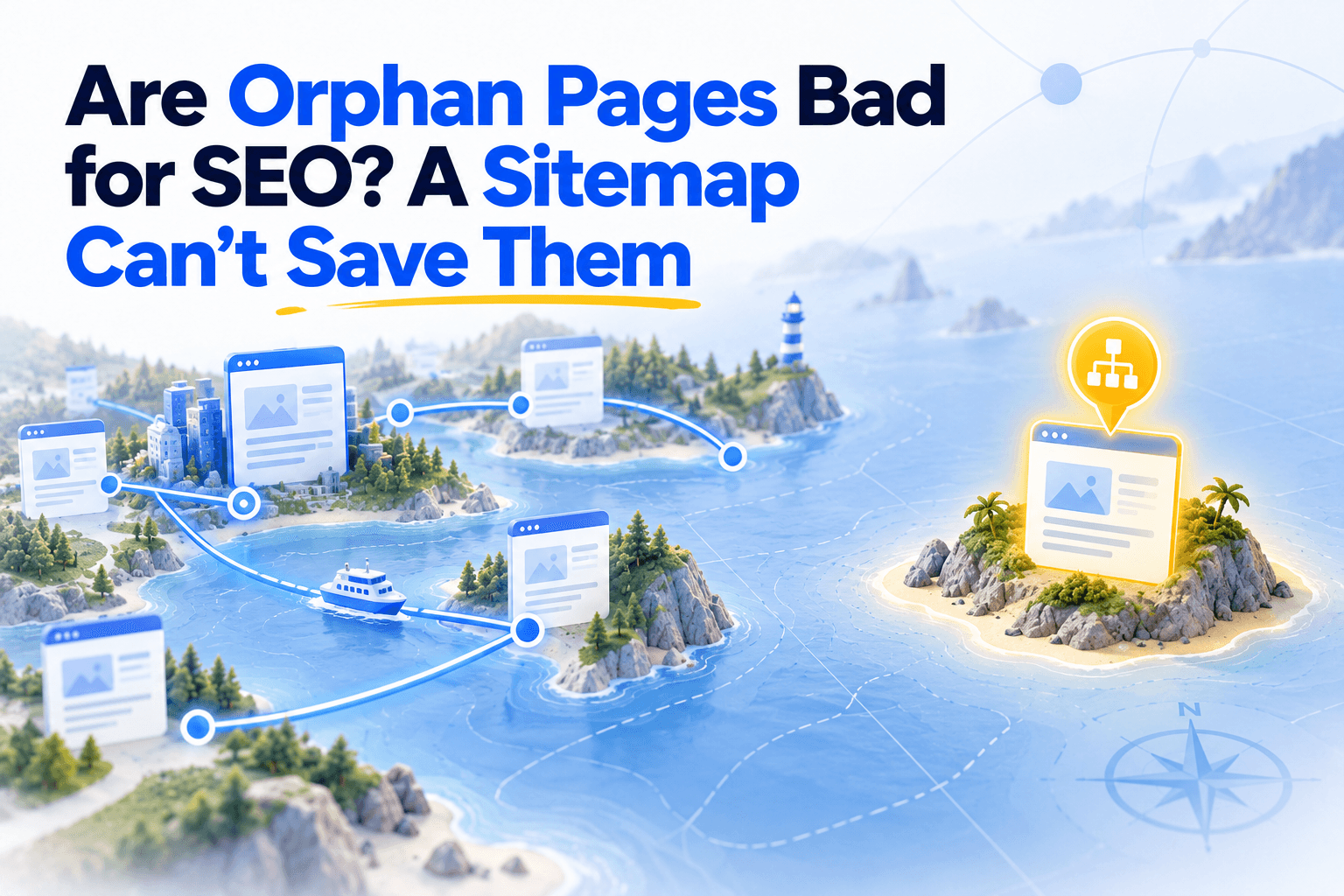
Orphan pages receive no link equity, get crawled sporadically if at all, and are invisible to AI systems. They're the most common silent killer of SEO performance on growing sites.
Orphan pages happen naturally.
A site migration changes URL structures without rebuilding internal links. A seasonal campaign page stays live after the navigation moves on. A CMS generates tag and author pages that nothing links to.
Over time, these disconnected pages accumulate. The impact is measurable:
- 26% of crawl budget consumed by orphan pages in one analysis, while generating only 5% of organic traffic
- Indexation failure: without internal links, Google may discover a page through the sitemap but deprioritize or skip indexing entirely
- Authority isolation: even strong content with backlinks underperforms when cut off from the rest of the site's link equity
At enterprise scale, the gap is striking. Botify's data suggests Google misses up to half of a site's content, often because pages lack sufficient internal connections to be discovered through normal crawling.
Full orphans are only the extreme case. In our study of six software blogs, 854 of 1,804 articles, nearly one in two, either received no link from another article's text or gave none. Those articles were less visible on Google than the ones linked both ways, and most of them lacked the incoming link.
7. Your internal links point to redirects or broken URLs
Every redirect in a link chain costs crawl time. Every broken link wastes crawl budget entirely and sends users to a dead end.
This is a maintenance issue more than a strategy issue. But it compounds fast.
A site that's been publishing for three years accumulates URL changes: slug updates, HTTPS migrations, category restructures. If internal links aren't updated to match, the site develops a hidden layer of 301 redirects between the link and the actual destination.
A single redirect is minor.
A chain of two or three redirects dilutes equity and slows crawl processing. A link pointing to a 404 is pure waste.
8. Some of your links are invisible to search engines
A link that works when you click it doesn't necessarily exist for a search engine bot. JavaScript-rendered links, CSS-only dropdown menus, and lazy-loaded content can all create links that humans see but crawlers don't.
This is one of the most underdiagnosed linking problems. Everything looks fine in the browser. The issue is in the source code.
Common culprits:
- JavaScript navigation: Links generated through
onclickevents or frameworks (React, Angular, Vue) without server-side rendering. Google can execute JS, but not always reliably. AI crawlers often can't render it at all. - CSS-only menus: Dropdowns that reveal links on hover but don't produce proper
<a href="...">tags in the HTML. - Lazy-loaded link blocks: "Related articles" sections that only load when the user scrolls to them. If the content isn't in the initial HTML, bots never see it.
- Links inside iframes: Content in iframes lives in a separate document context. Crawlers typically don't follow links across iframe boundaries.
9. Google crawls your pages but doesn't index them
The "Crawled, currently not indexed" status in Google Search Console is one of the clearest signals that your internal linking isn't doing its job.
This status means Google found the page, evaluated it, and decided it wasn't worth indexing.
Reasons vary (thin content, duplicates, low perceived value). But internal linking is a major factor.
A page with one or two internal links signals low importance. If those links come from low-authority pages deep in the site, the signal is even weaker.
The Botify case study on a classified auto marketplace shows the scale. Over 1.3 million indexable pages had just a single internal link each. Google was crawling only 1% of strategic pages.
After restructuring internal links, updating the sitemap, and cleaning up robots.txt: crawl activity to important pages increased 19x in six weeks. Organic traffic doubled within three months.
This signal matters because it tells you Google knows the page exists and still chose not to index it. The content may be fine. The linking context around it is what's lacking.
10. Your content is invisible to AI search engines
Google has sitemaps, Search Console submissions, and years of crawl history to discover your content. AI search engines have almost none of that. If your internal linking is weak, AI systems won't find, understand, or cite your pages.
AI crawlers like GPTBot (OpenAI), ClaudeBot (Anthropic), and PerplexityBot operate under tighter constraints than Googlebot.
Fewer pages per session. Less reliable JavaScript rendering. No equivalent of Search Console.
Their primary discovery mechanism? Following links.
This means every internal linking problem described in this article hits harder for AI visibility:
| Factor | AI crawlers | |
|---|---|---|
| Sitemap access | Yes, actively used | Limited or inconsistent |
| JavaScript rendering | Yes, with delays | Often partial or none |
| Crawl budget | Large | Much smaller |
| Fallback discovery | Search Console, backlinks, historical data | Mostly link-following |
But discovery is only half the story.
When AI systems retrieve content to generate answers, they use the text around links as semantic context. Anchor text becomes metadata that helps the model understand relationships between pages.
"Click here" gives the retrieval system nothing.
"How contextual internal links improve page discovery" tells it exactly what the target page covers, how it relates to the current page, and how confident the model should be about citing it.
The practical takeaway: Every fix from signals #1 through #9 (descriptive anchors, woven links, proper HTML, strong clusters) also determines whether AI systems surface your content.
Internal linking is no longer just a Google play. It's the architecture that makes your content citable across every search surface.
Now find them on your site
You know what to look for. The harder part is finding all ten problems across dozens or hundreds of pages without spending a week on manual audits.
The work breaks down into three layers:
See your anchors. You need a view of every anchor text on your site, sorted by page and destination. That's how you spot generic anchors (#1), conflicting anchor-destination pairs (#2), and pages where all links point to the same five URLs (#4). Unveil SEO's anchor audit gives you that view in one screen.
See your structure. Click depth (#5), orphan pages (#6), and redirect chains (#7) are invisible without a crawl. Unveil SEO's site graph maps the depth of every page from the homepage, flags orphaned and semi-orphaned pages, and surfaces 404s and redirects with severity levels so you know what to fix first.
Get the fix, not just the diagnosis. Knowing a page is orphaned doesn't help if you can't find where to add links. Unveil SEO's inbound link suggestions scan the content of every page on your site and surface the exact passages where a contextual link would fit naturally. Instead of hunting through articles, you get a list of insertion points ready to act on.