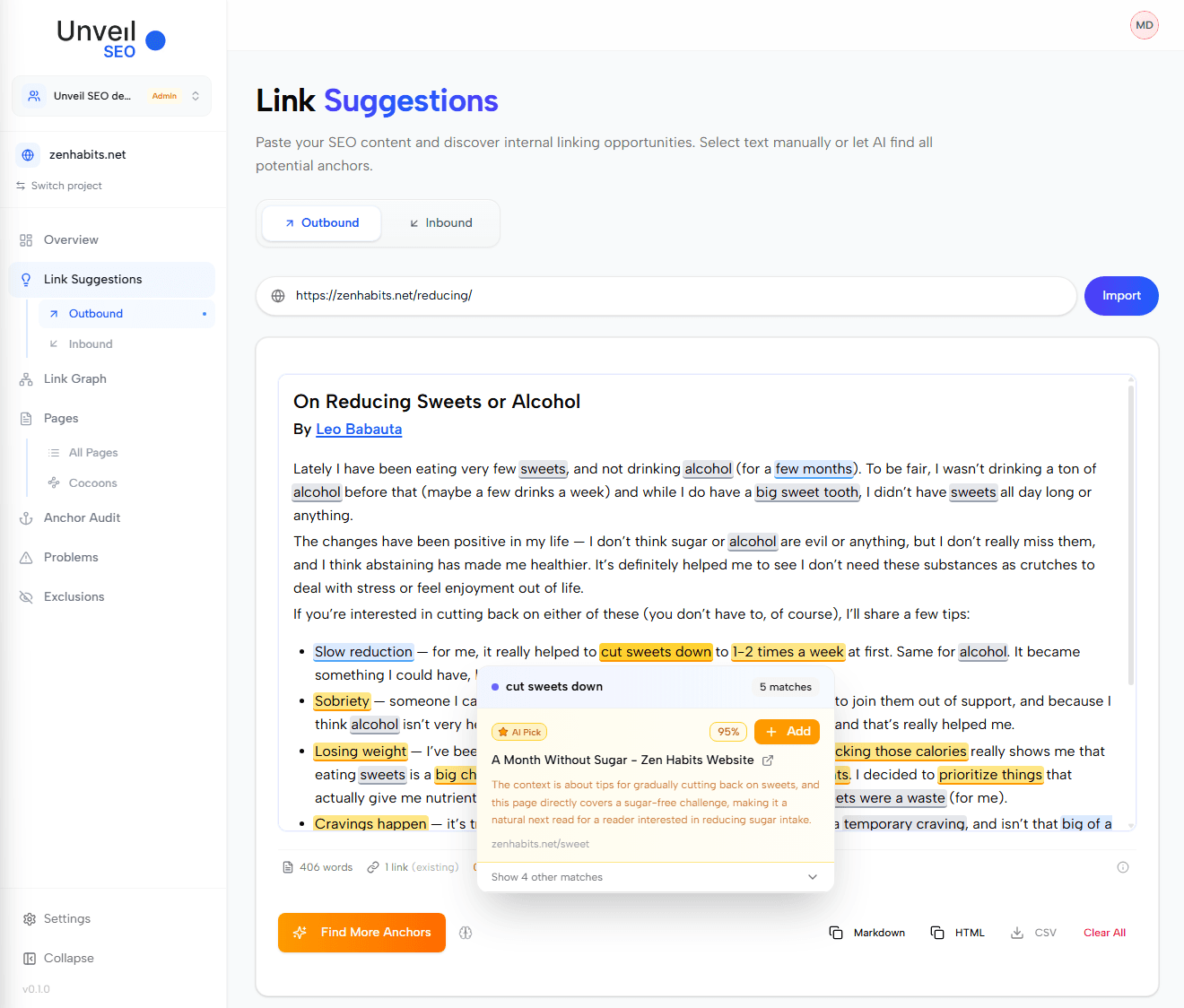

Most internal linking tools work the same way: you open a page, they suggest where it could link to. Inbound Link Suggestions does the opposite. You pick a target page, and the tool searches your entire site to find paragraphs that should link to it.
This matters because some pages need more internal links to perform, not more outbound ones. A newly published article that nobody links to yet, a category page that drives revenue but receives weak link equity, a service page that ranks below its potential: in each case, the question is not "where should this page link to?" but "which pages should link to this one, and from which sentence?"
It is also the direction blogs neglect most. In our study of which blog articles receive and give contextual links, 727 of 1,804 articles received no link from another article's text, against 424 that gave none. Receiving at least one went with 6 more points of presence in Google's top 10 and 19% more keywords, at comparable length, age and backlinks.
This page covers Inbound suggestions; for the reverse direction, see Outbound Link Suggestions.
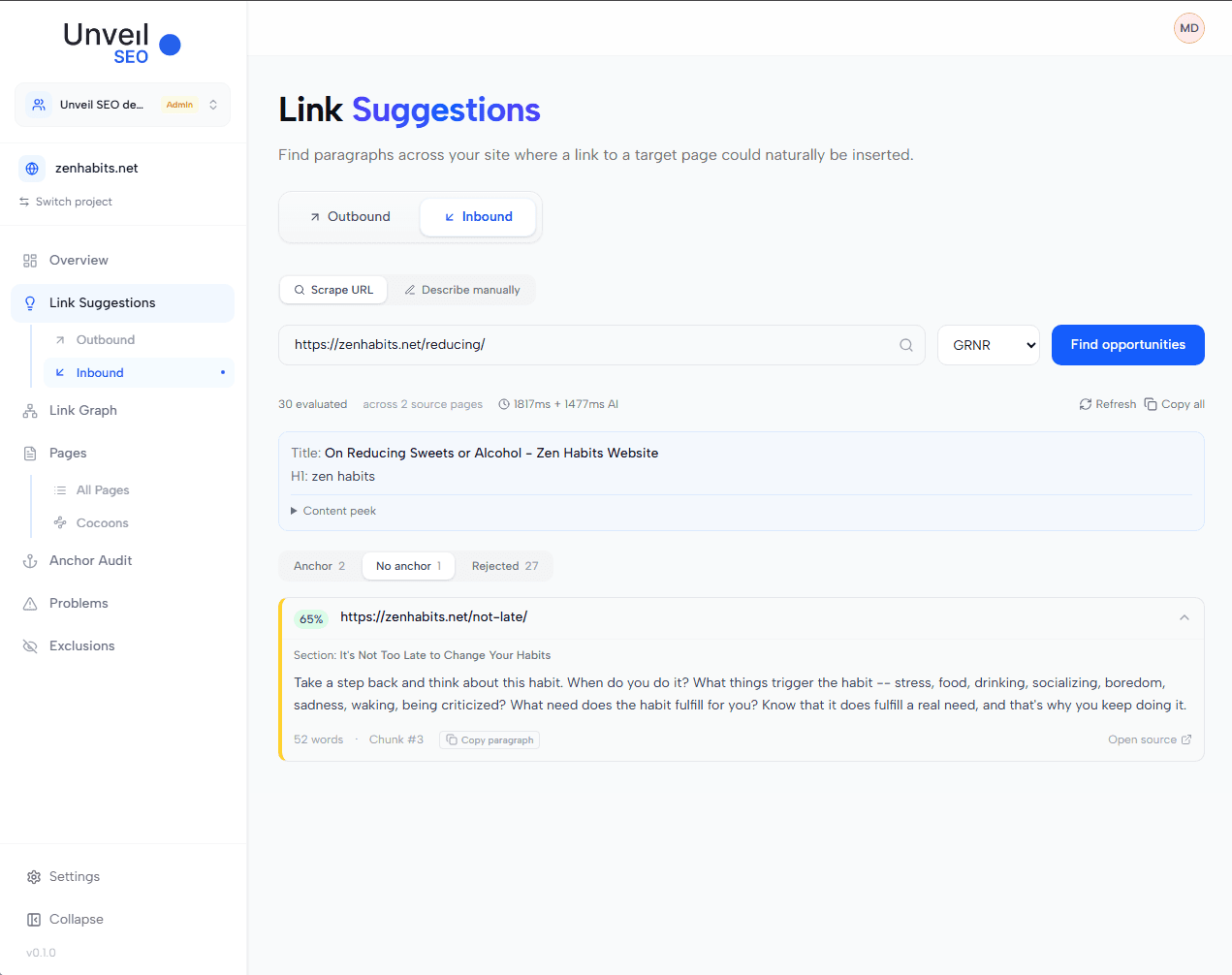
Inbound Link Suggestions result view showing the list of anchor suggestions on the left with their similarity scores, and the toggle at the top to switch to the "paragraphs without anchor" view
How to use it
Paste the URL of your target page, run the search, and copy the suggested links. The results come in two views: paragraphs where a ready-to-use anchor was found, and paragraphs that match semantically but need editorial work to receive one.
Step 1. Enter the target URL
Paste the URL of the page you want to receive more internal links into the search bar, then click Search. The tool reads the target page's title, H1, and meta description, embeds them, and matches them against every paragraph already crawled on your site.
💡 The tool matches on the target page's metadata (title, H1, meta description), not on its full body content. The metadata is the most concentrated semantic summary of the page, which produces tighter suggestions.
Inbound Link Suggestions search bar with a sample URL, Search button, loading state
Step 2. Review the anchor suggestions
The first view lists every paragraph on your site where the tool identified a strong semantic match and a suitable phrase to turn into an anchor. For each suggestion, you see the source page, the matching paragraph, the similarity score (a percentage), and the proposed anchor text. Click Copy HTML to grab the link ready to paste.
The output format is the same as in Outbound Link Suggestions, so the integration flow is identical: paste into your CMS rich-text editor and you are done.
🔍 Prioritize source pages that already carry weight on your site (high-traffic posts, well-linked pillar pages), and vary the anchor text across the links you keep. Don't maximize the count, curate the set.
Inbound Link Suggestions anchor suggestion panel showing the source paragraph, the highlighted anchor phrase, the similarity score, and the Copy HTML button
Step 3. Check the "no anchor found" view
Toggle to the second view. Here you see paragraphs that are semantically close to your target page, but where no clear phrase could be used as an anchor. This is not a failure. It is a list of high-relevance contexts that need editorial work: rewrite the paragraph to introduce a phrase that can naturally hold the link, or accept that the connection is too loose to act on.
Treat this view as a content backlog, not as noise.
🔍 Two practical ways to act: add one or two sentences that introduce a natural anchor, or rewrite an existing sentence to surface the connection. If neither feels organic after a minute, drop the paragraph. A forced anchor reads worse than a missing link.
Inbound Link Suggestions toggle switched to the no-anchor view, list of semantically close paragraphs with the source page and the missing-anchor flag
Advanced options
| Option | What it does | When to use it |
|---|---|---|
| Refresh | Re-runs the matching algorithm on the same target. | When the initial suggestions do not convince you, or when the site has been re-crawled since the last search. |
| Copy all | Copies the HTML of every suggested anchor at once, rather than one by one. | When you trust the results and want to push internal links to several source pages in a single batch. |
| Describe manually | Lets you describe the target page in free text instead of providing a URL. | When the target page is a draft not yet published, has thin content the tool cannot match against, or when you want to test inbound potential for a topic before writing it. |
Once the new inbound links are in place, Anchor Audit lets you review the full anchor profile pointing to your target page, so the new anchors stay consistent with what was already there.